How to take a great dog photo: light and framing
What a good photo looks like / What to avoid
These are sample dog images for demonstration purposes.
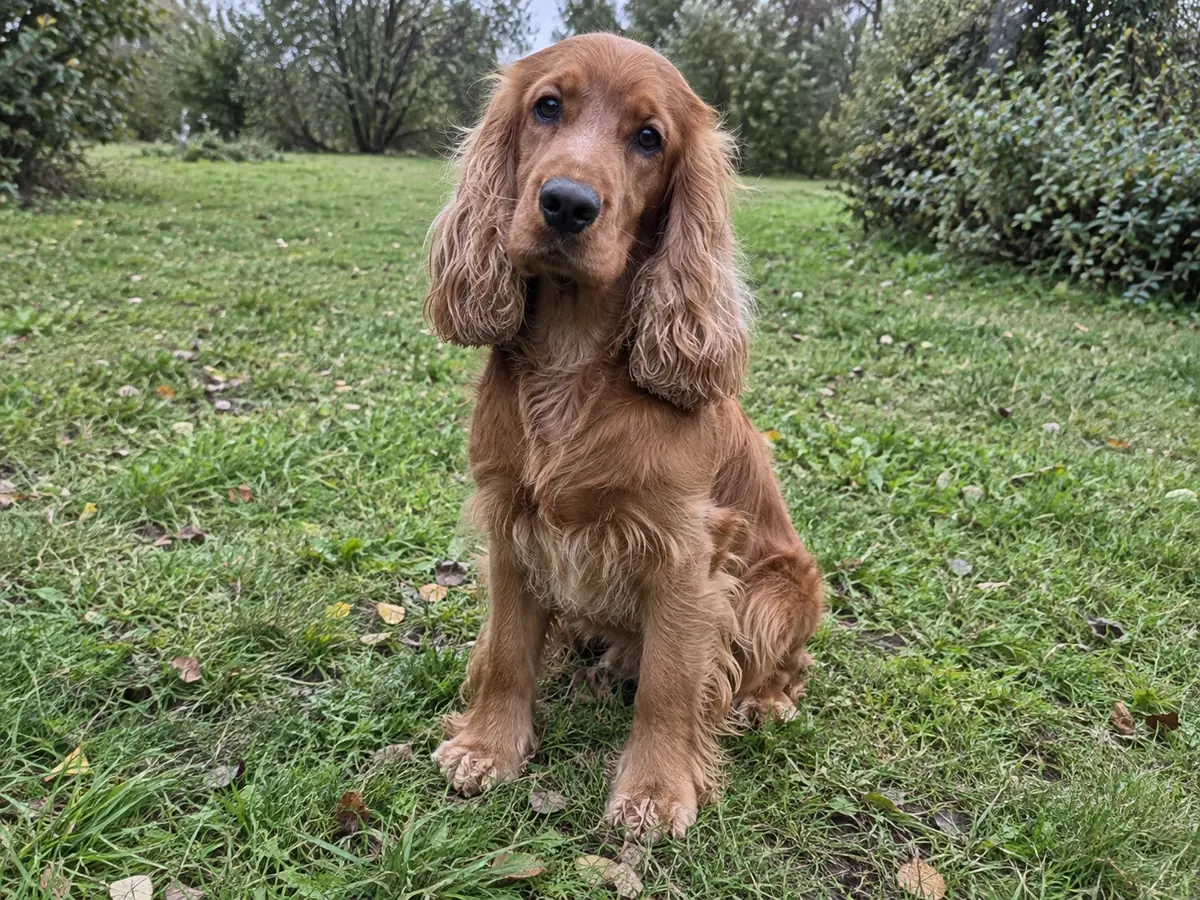
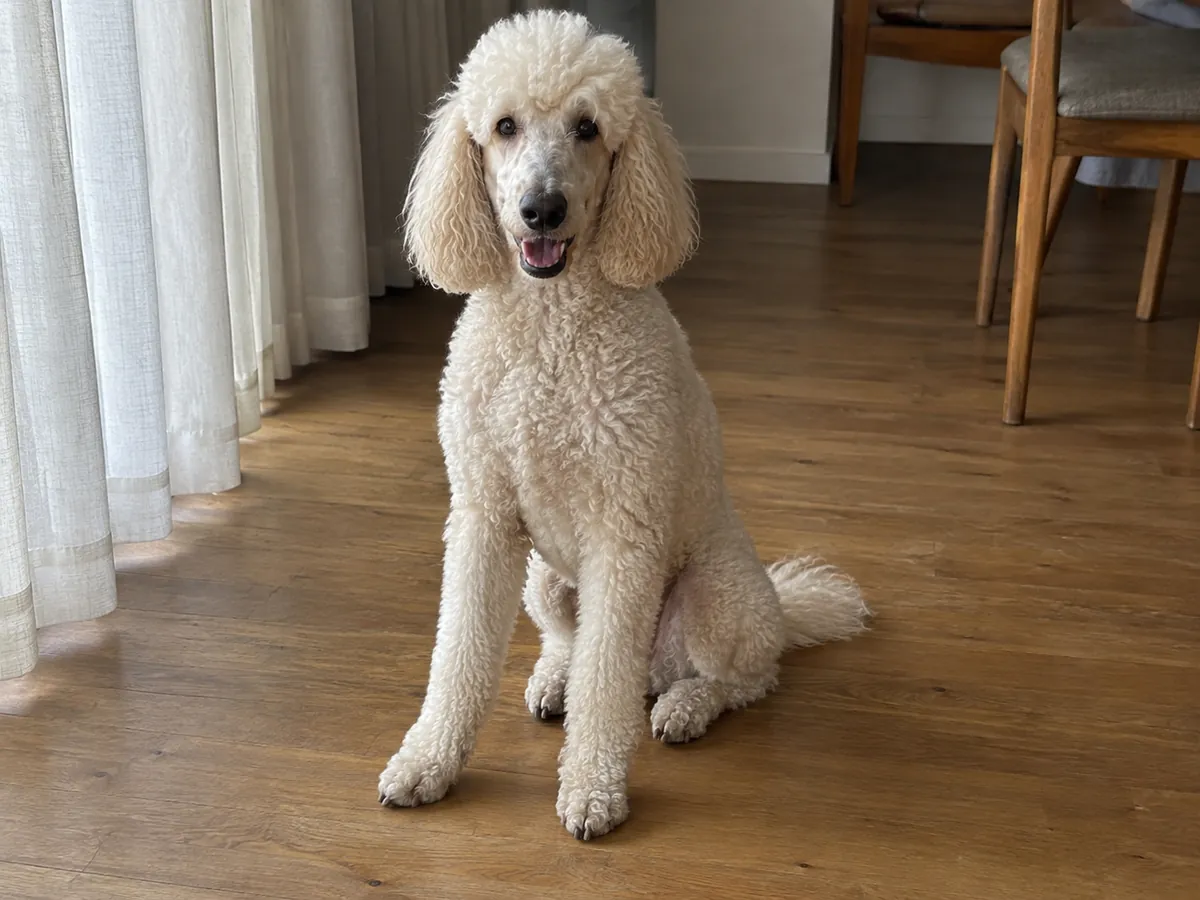
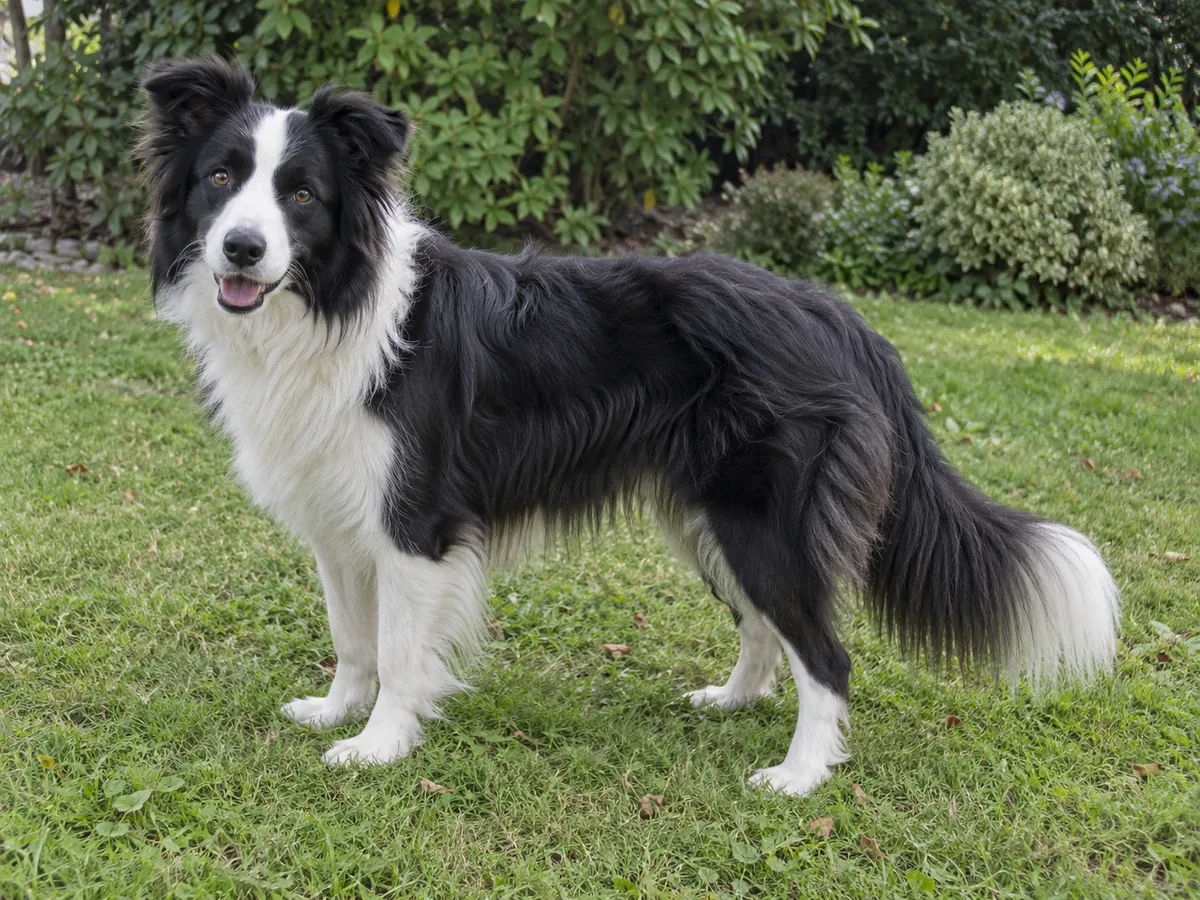
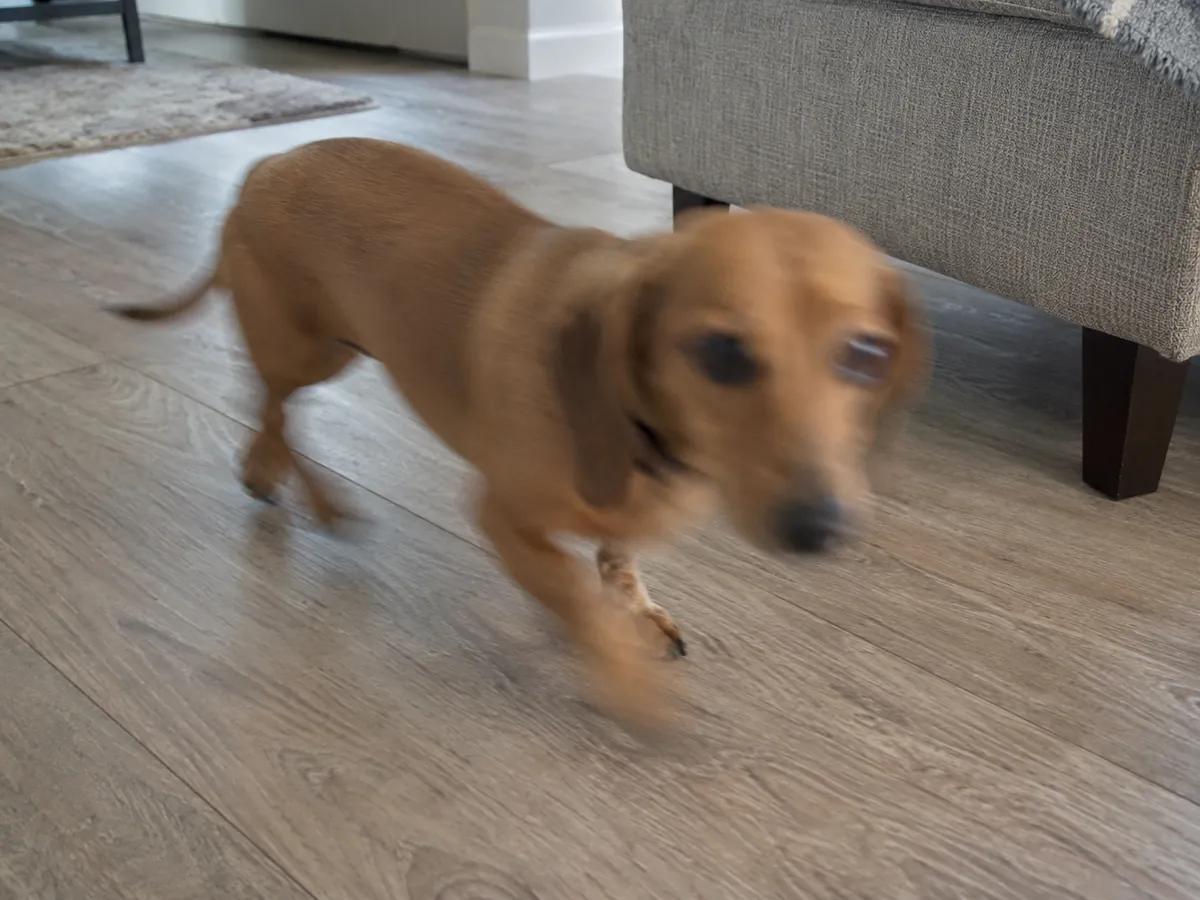
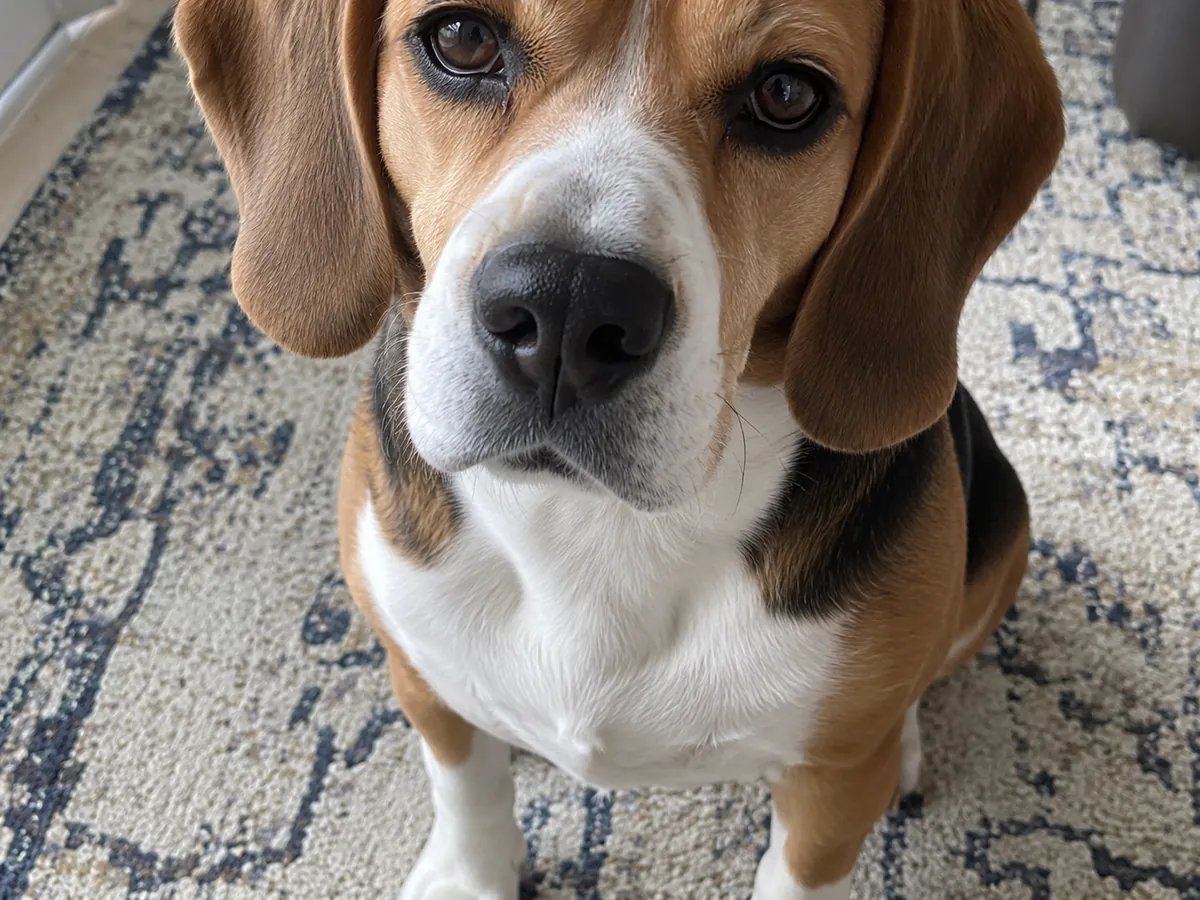
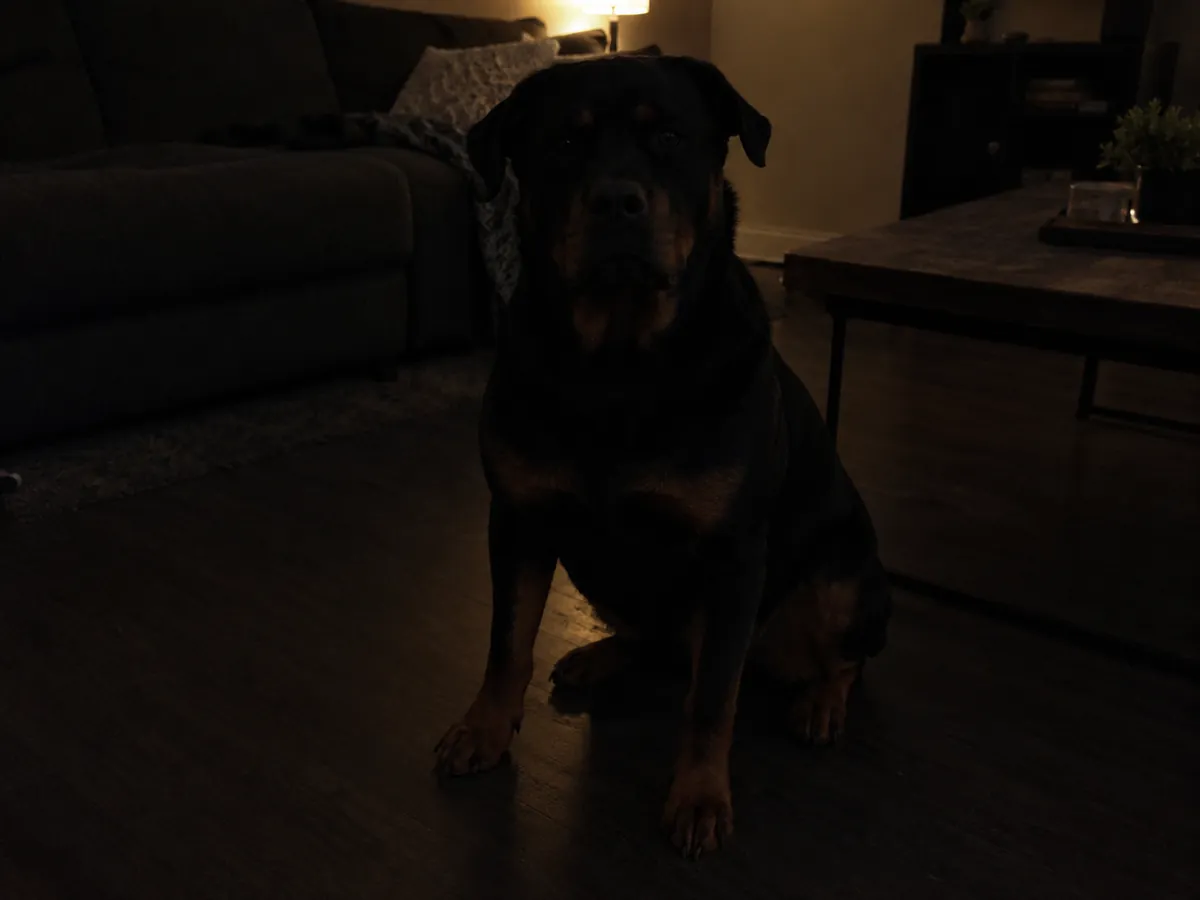
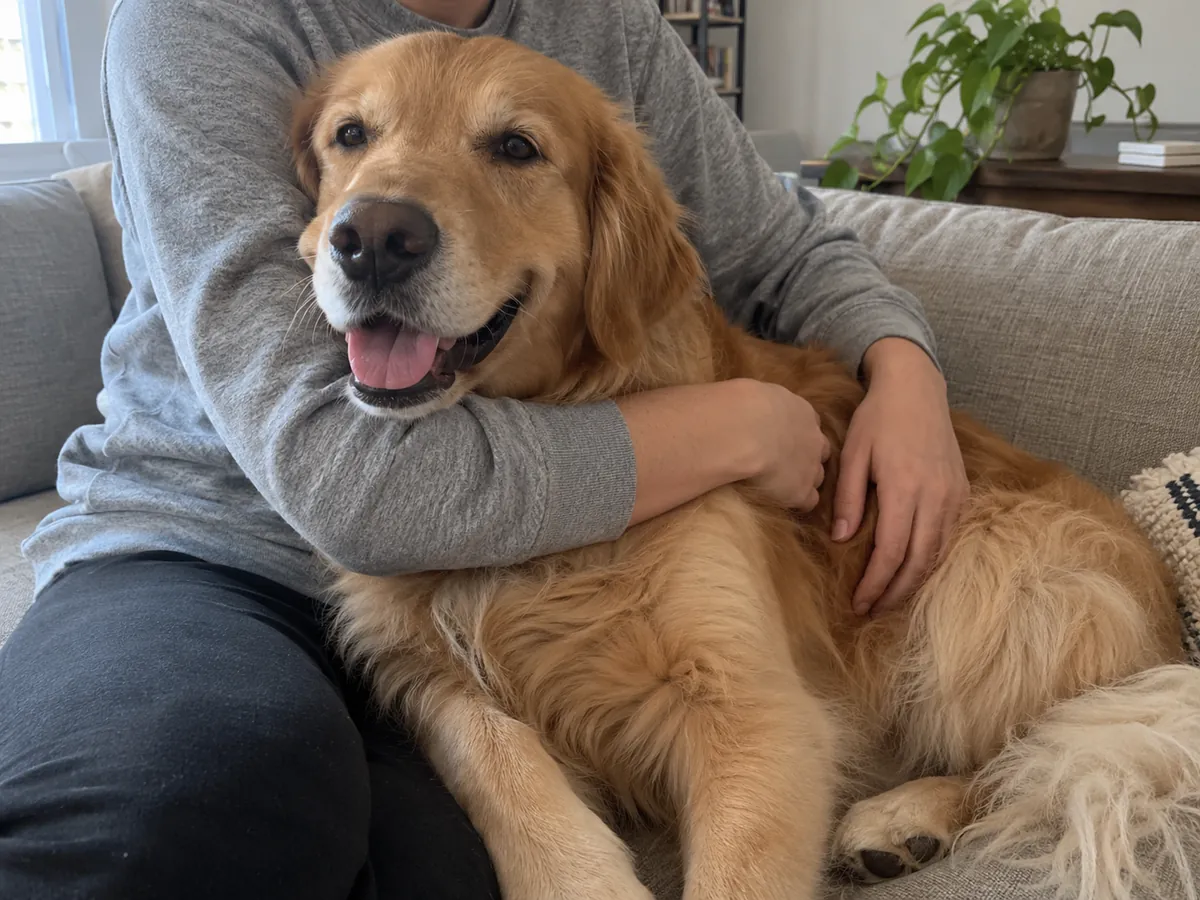
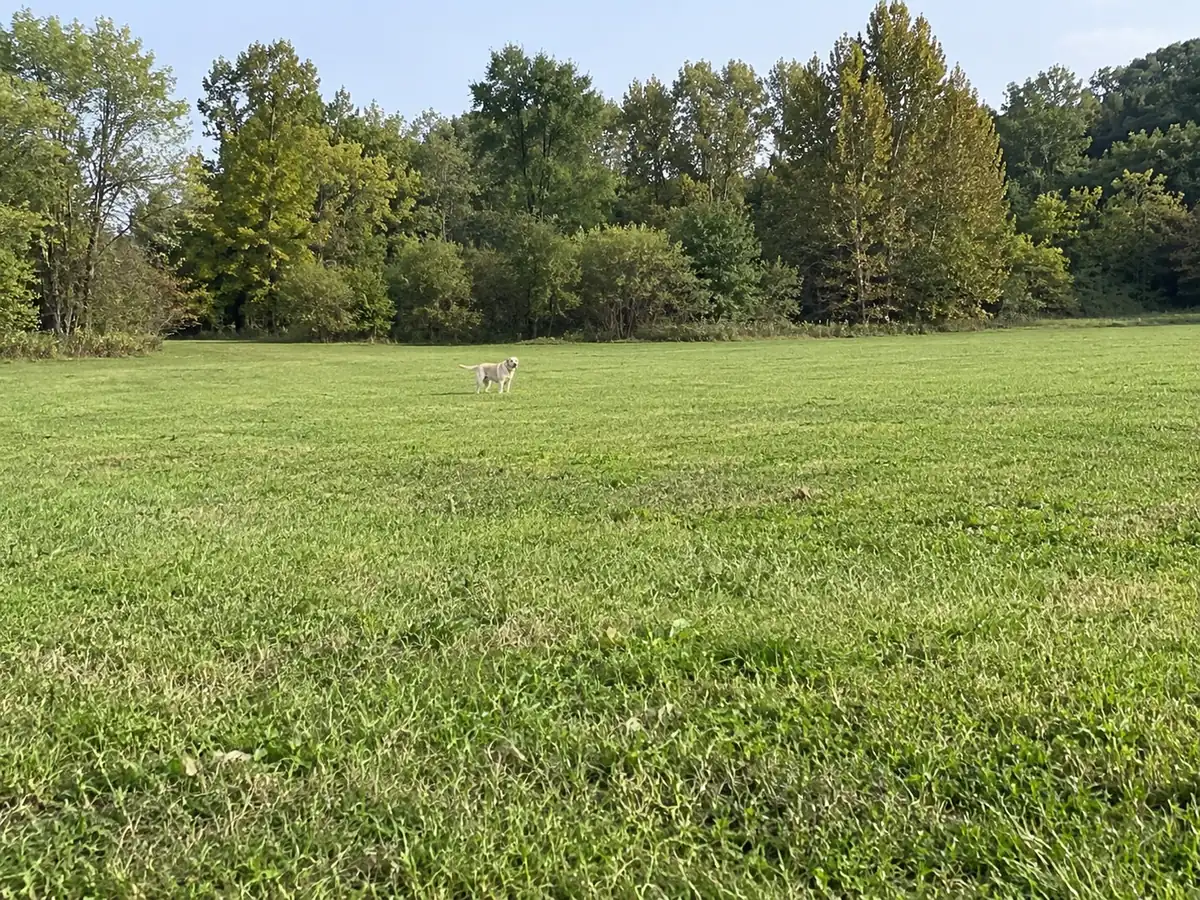
Simple phone-photo guidance for a clear, recognizable dog portrait with better fur edges, framing and light.
Before taking photos
Choose a calm moment, clean the lens and use daylight or soft indoor light without harsh flash.
Show one clear dog
Keep the face and eyes visible, leave breathing room around the whole dog and avoid people overlapping the body.
Photos that work best
Use one dog per photo. Avoid heavy blur, distant dogs, cropped ears or paws, screenshots, collages and people covering the dog.
How to take a great dog photo: a calm dog comes first
You do not need a studio or an expensive camera to make a useful source photograph. Begin somewhere your dog feels comfortable, with space for you to move and a background you can see clearly. Let the dog settle before taking pictures. Use a familiar toy or a helper to attract attention briefly, without crowding the face or covering the body. Keep treats, fingers and leads out of the outline where possible. Stop if the dog becomes uncomfortable; a relaxed expression is more useful than a forced pose.
Use soft light and keep the eyes visible
Try open shade outdoors or a bright window indoors, with the light falling onto the face. Strong midday sun can create dark eye sockets and bright patches of fur; a lamp directly behind the dog can turn the face into a silhouette. Move yourself or the dog a little and watch the eyes before pressing the shutter. For dark coats, inspect whether the muzzle and ears remain visible. For pale coats, check that the bright fur still shows detail. These are visual checks you can make on your phone without buying extra equipment.
Bring the camera down to the dog's eye level
Kneel or lower the phone instead of photographing only from above. Eye-level framing often makes the face easier to read and avoids exaggerating the head relative to the body. Keep a comfortable distance and leave room around the ears, paws and tail. If you want a full-body portrait, include the whole outline in the original. Do not crop tightly and expect editing to recreate missing parts. A slightly wider original gives you options later; avoid extreme wide-angle close-ups that make the nose look disproportionately large.
Check sharpness on the original, not the thumbnail
Clean the lens, tap the dog's face to focus and take several frames while the dog is still. Zoom into the best originals and compare the eyes, muzzle and coat detail. Motion blur can look acceptable in a small preview but becomes obvious when the image is enlarged. In dim light, find a brighter position instead of relying on heavy digital zoom or a strong filter. Use the original camera file where possible. A screenshot or an image repeatedly sent through messaging apps may have lost detail before it reaches the upload step.
Keep one dog visible without overlapping people
Choose a photograph with one clearly visible dog. Move people, other animals and objects out of the subject's outline before taking the picture. A hand on the head, a person holding the dog across the body or furniture hiding the legs can make the photograph unsuitable. You can often solve the problem by changing the camera position or waiting for the dog to move. The sample images below illustrate common problems; they are demonstrations, not automated acceptance guarantees. The service's own photo check remains responsible for deciding whether an uploaded source can continue.
A short checklist before you upload
Open the original and ask six questions: can I see one dog, are the eyes reasonably sharp, is the face lit, is the outline unobstructed, is there space around the dog, and do I have permission to use this photograph? Choose JPEG, PNG or WebP within the displayed upload limits. Keep the original in your own photo library. For a batch, repeat the check for each image rather than assuming that one good photo makes the whole set suitable. Browse the examples to choose a look and check current pricing before starting; you can return to take a better source whenever the photo check suggests it.
Pricing
- 1 photo: €1.99
- 5 photos: €9.95
- 20 photos: €39.80