AI dog portrait styles and background examples
Before and after
These are sample dog images for demonstration purposes.
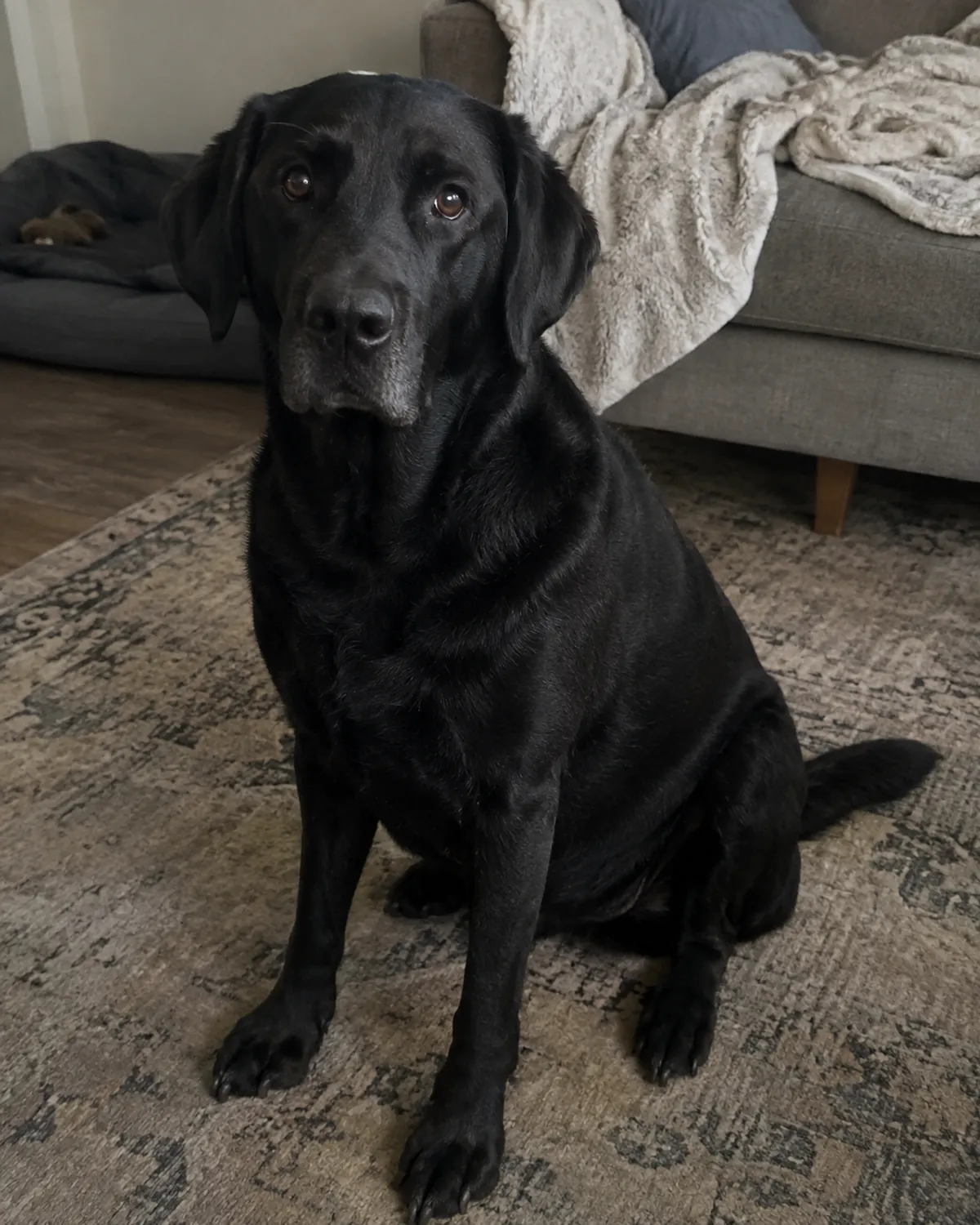
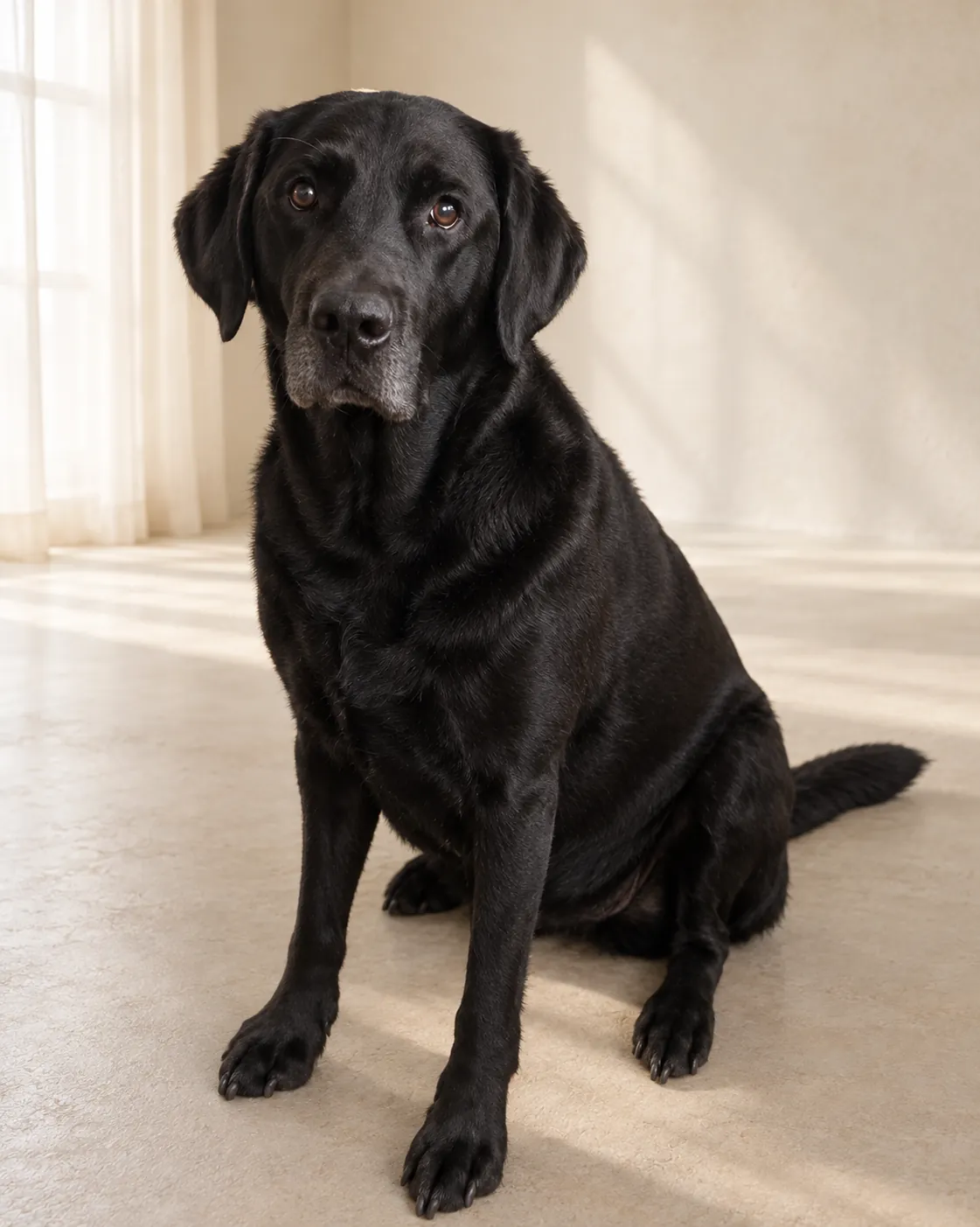
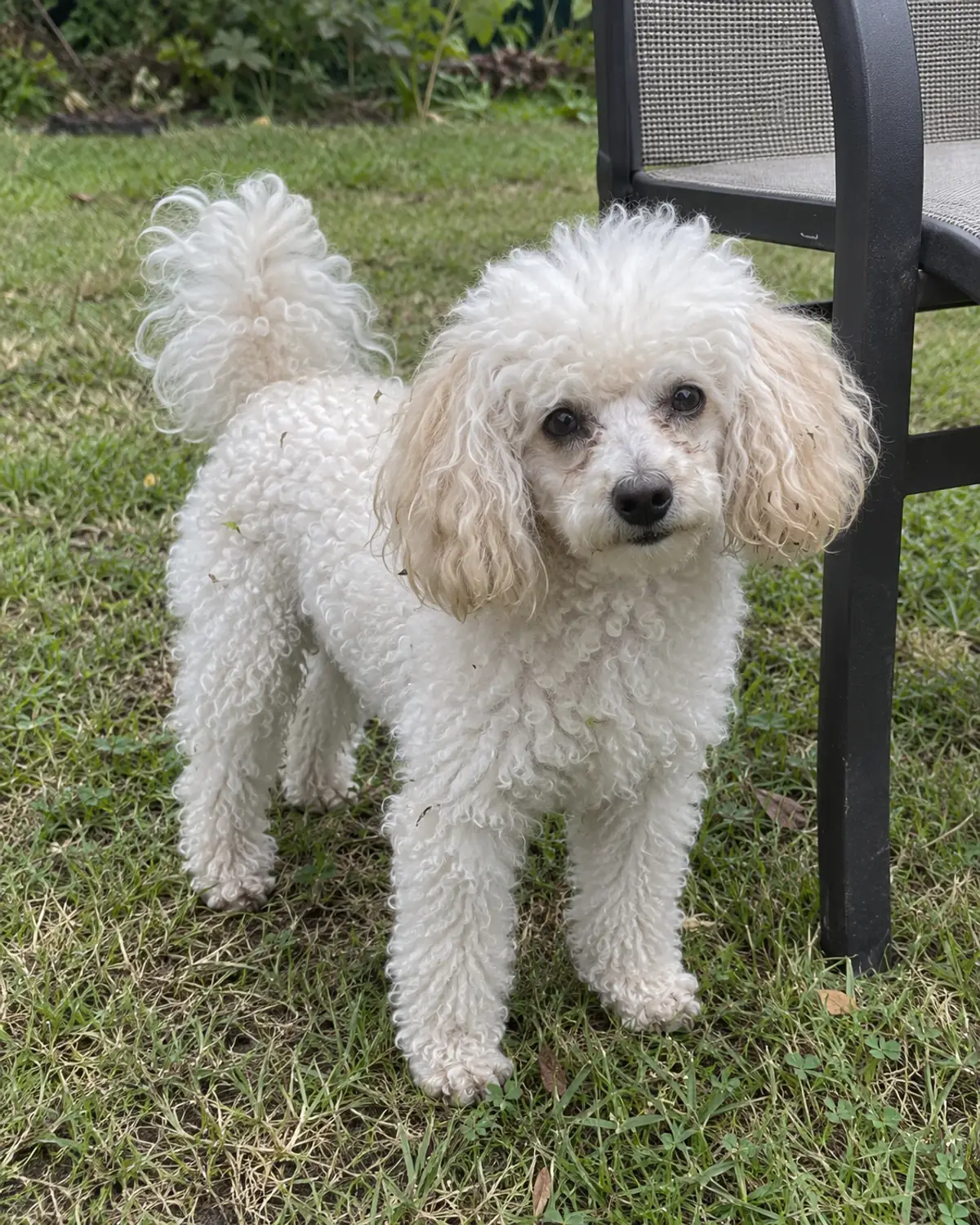
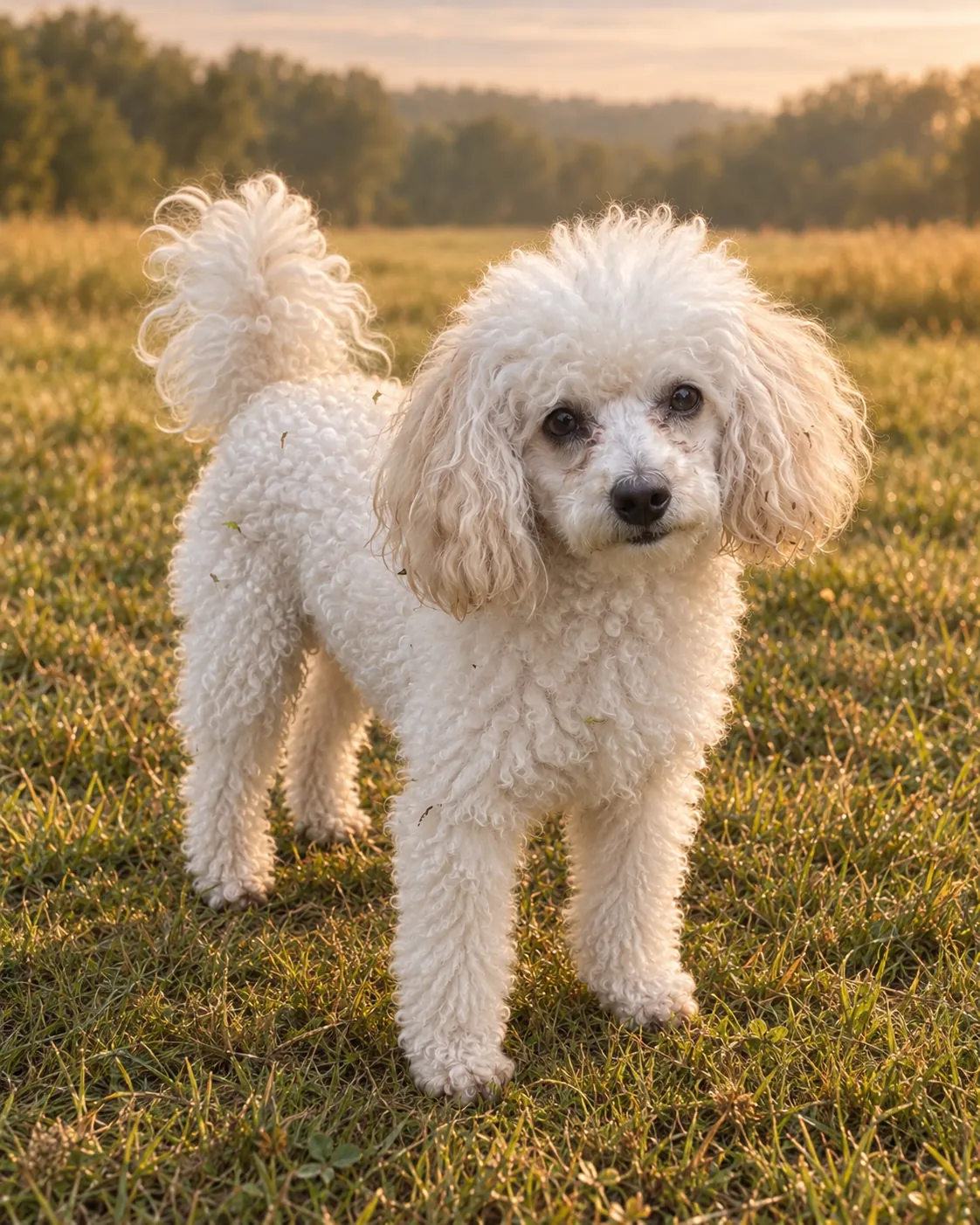
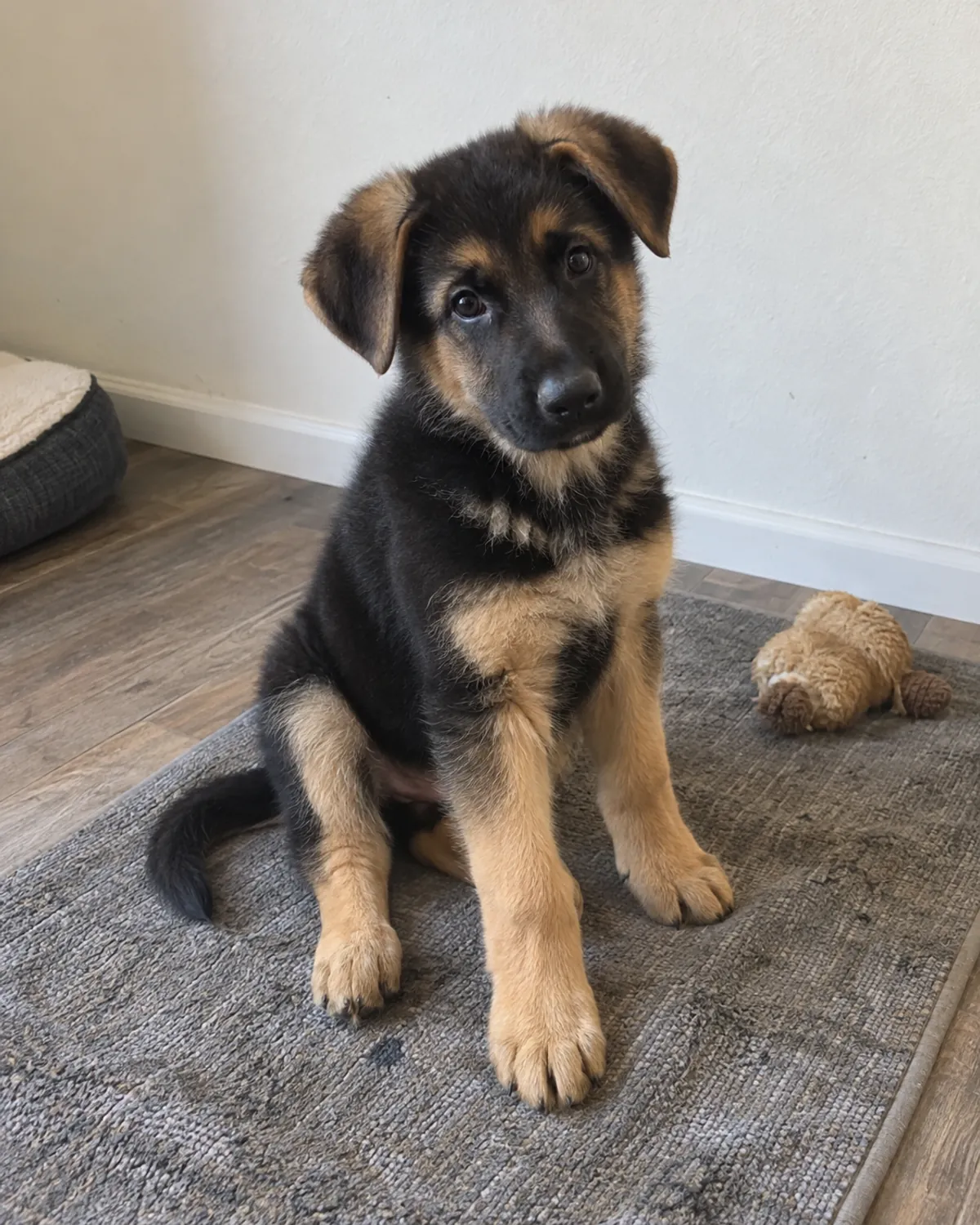
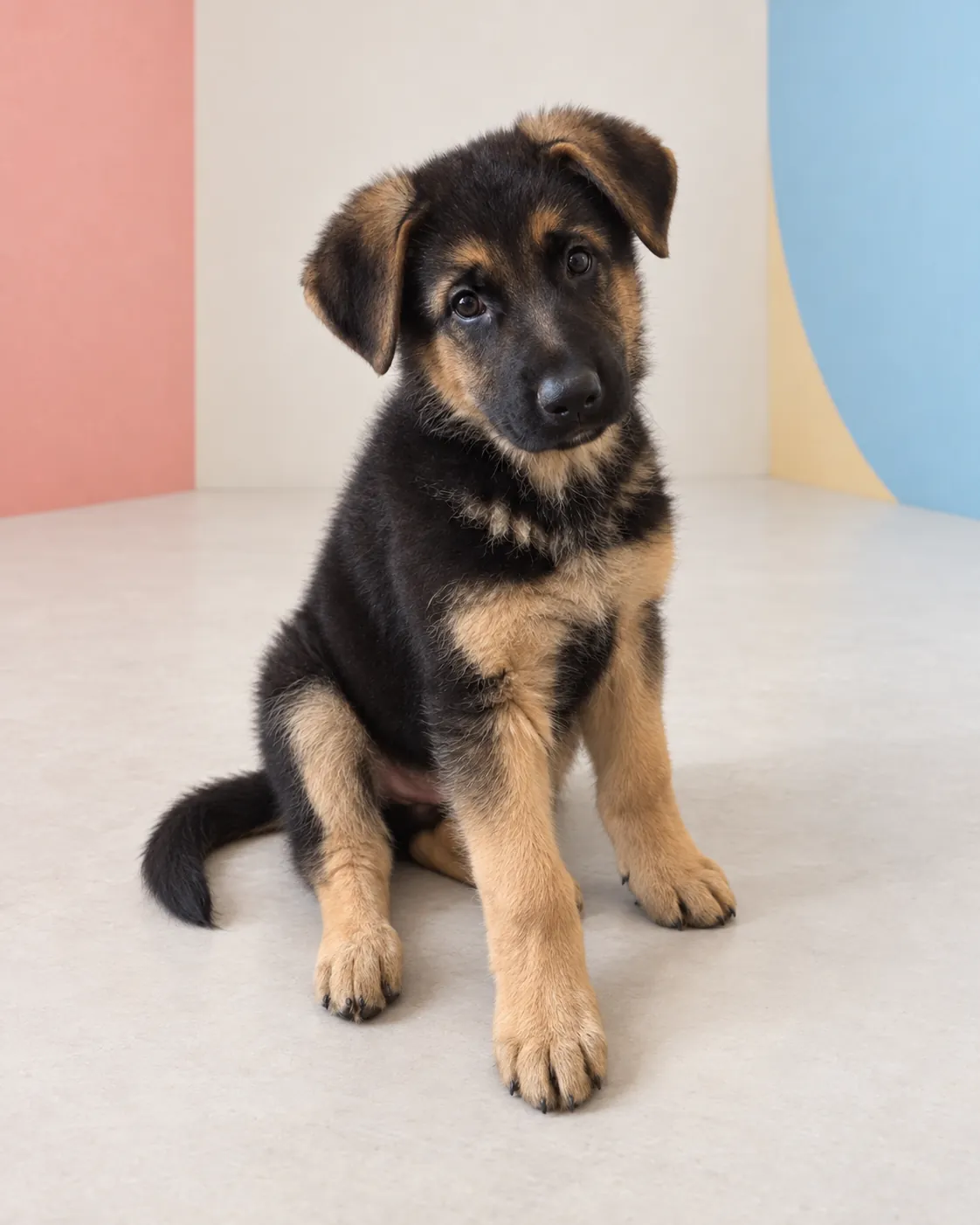
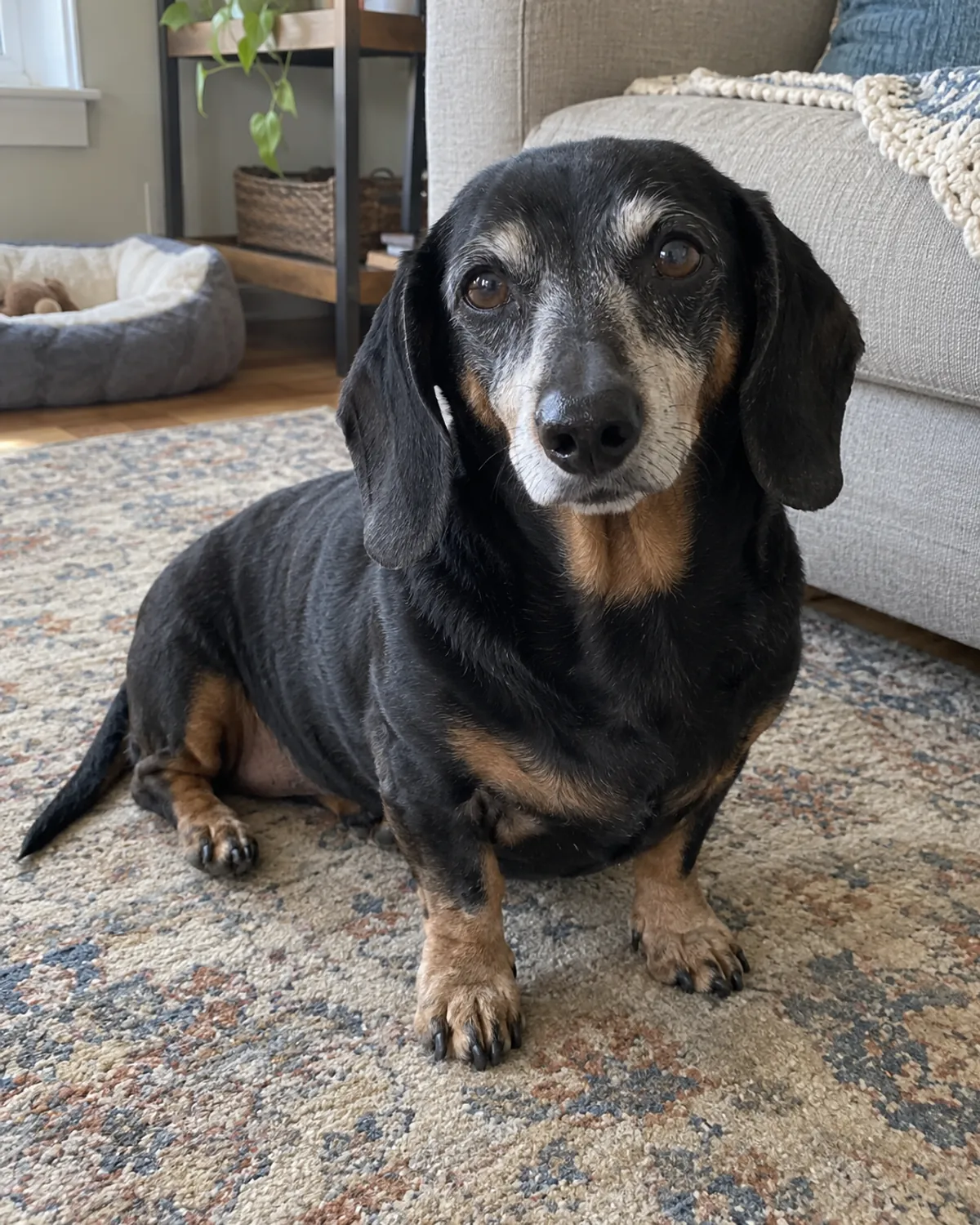
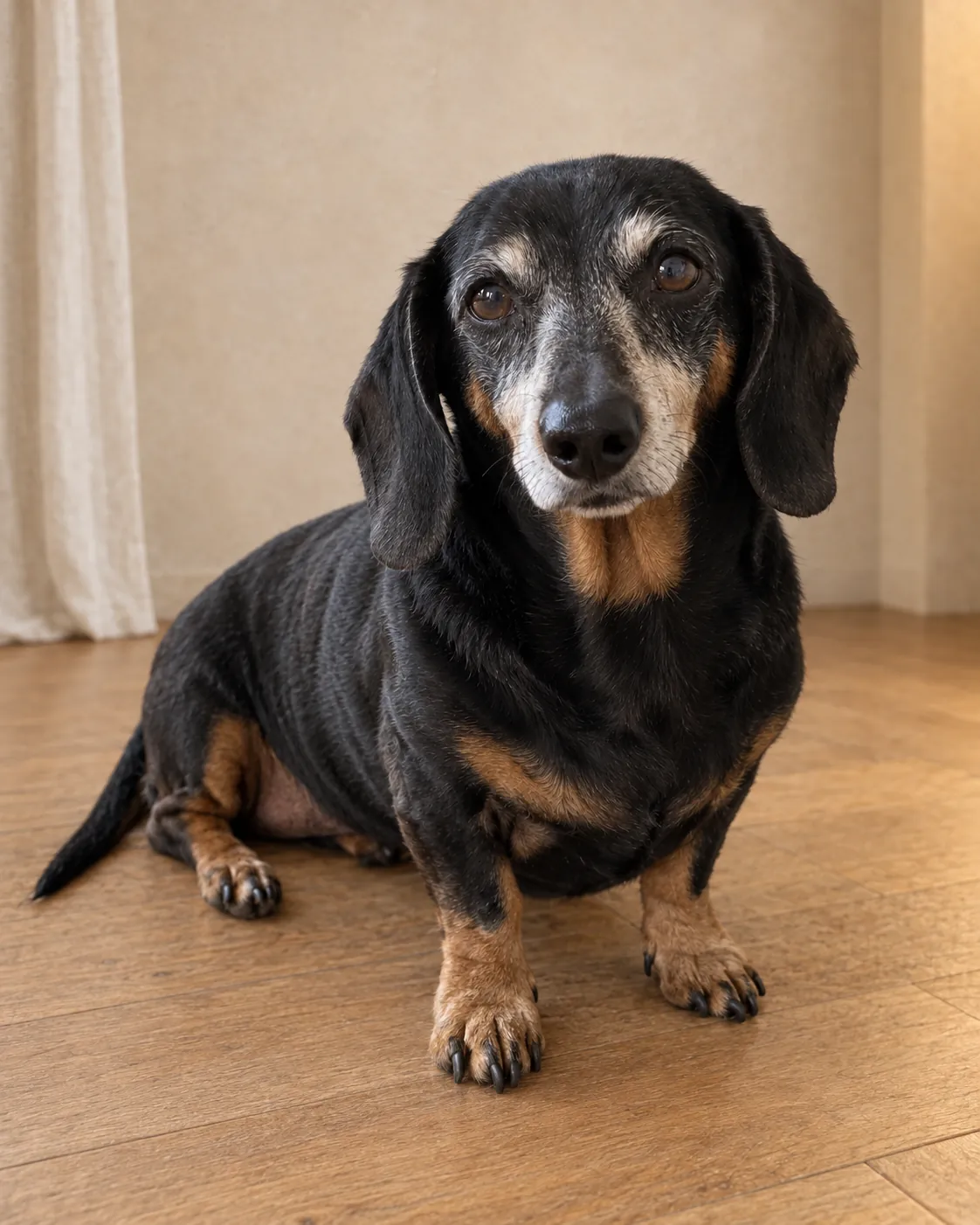
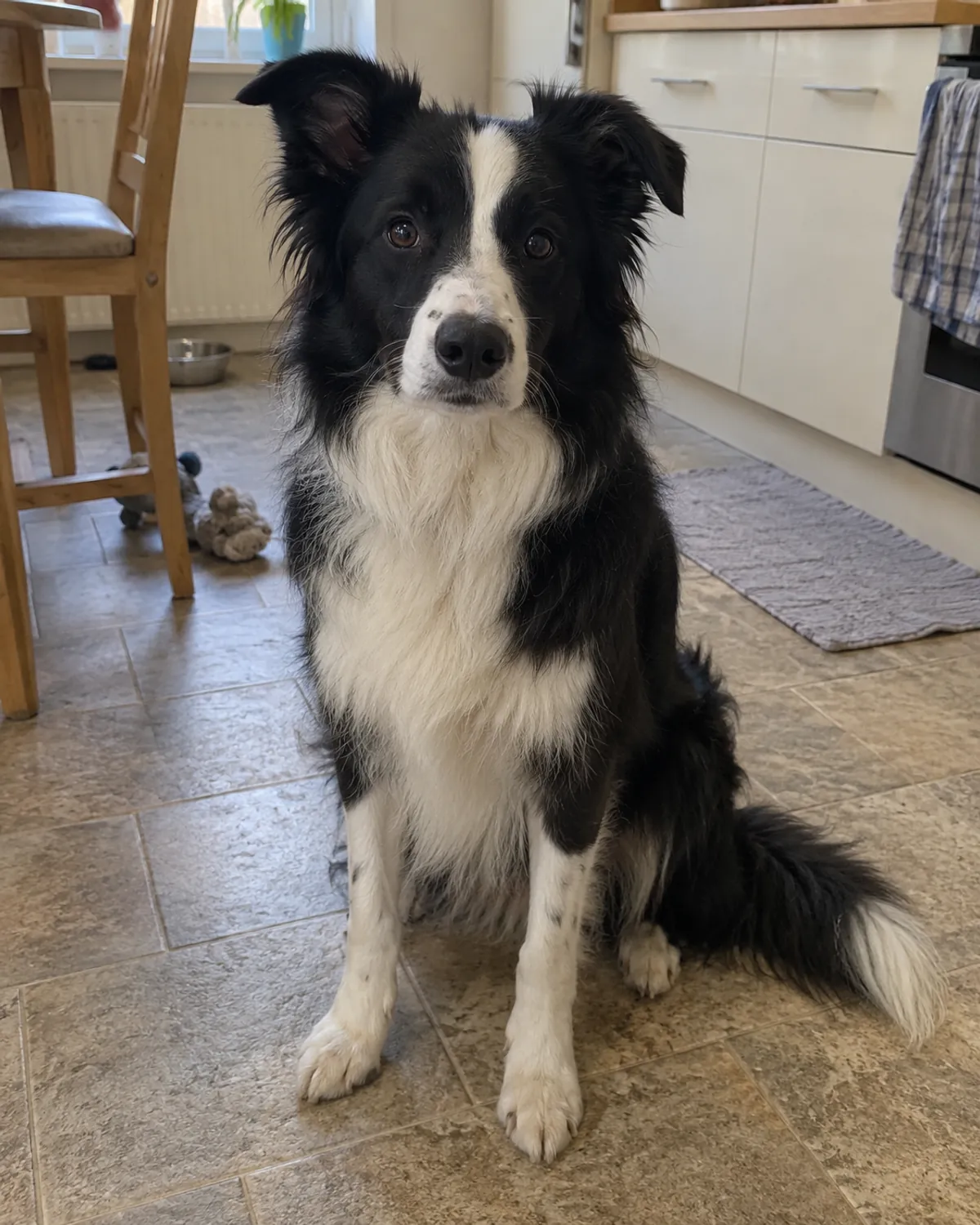
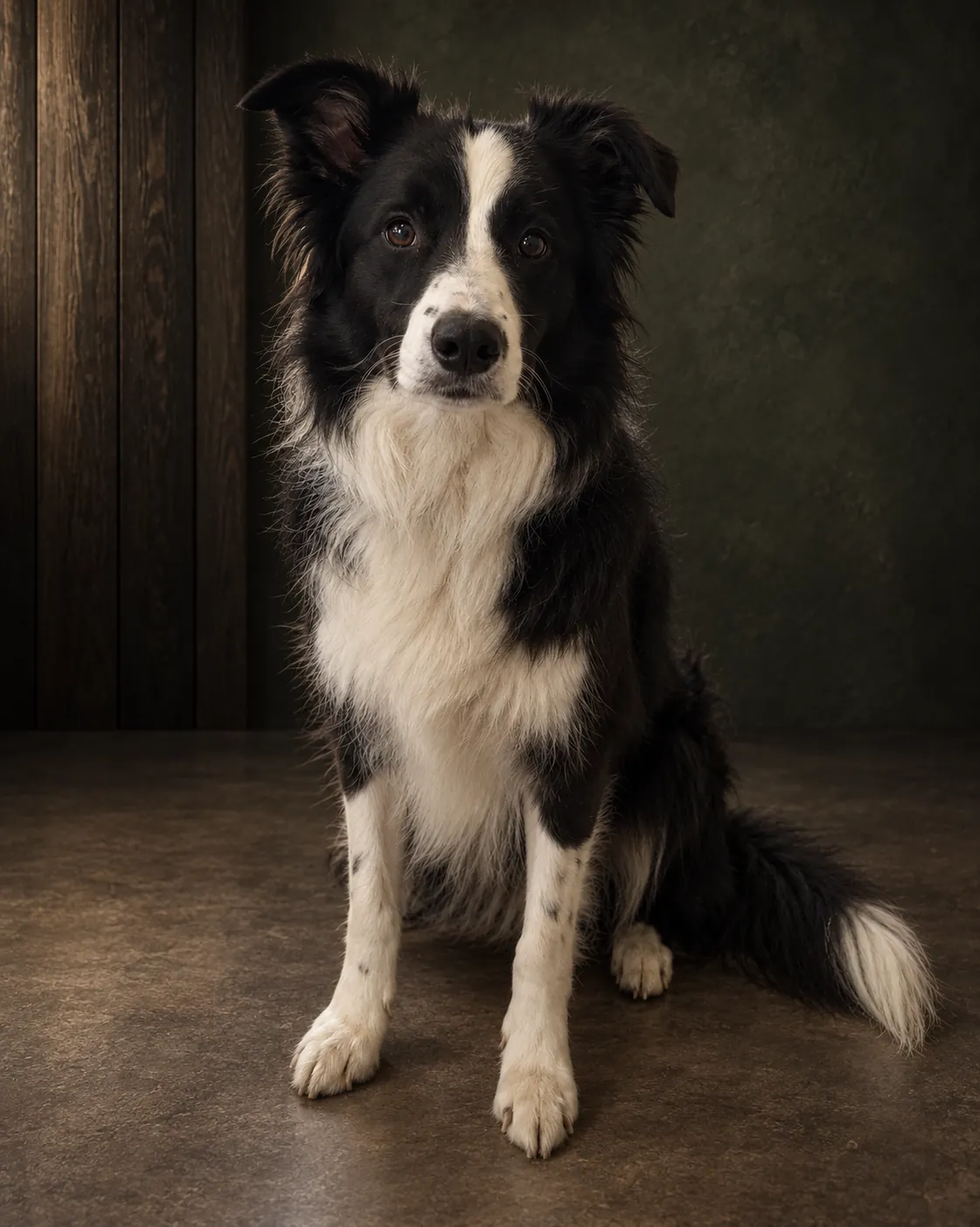
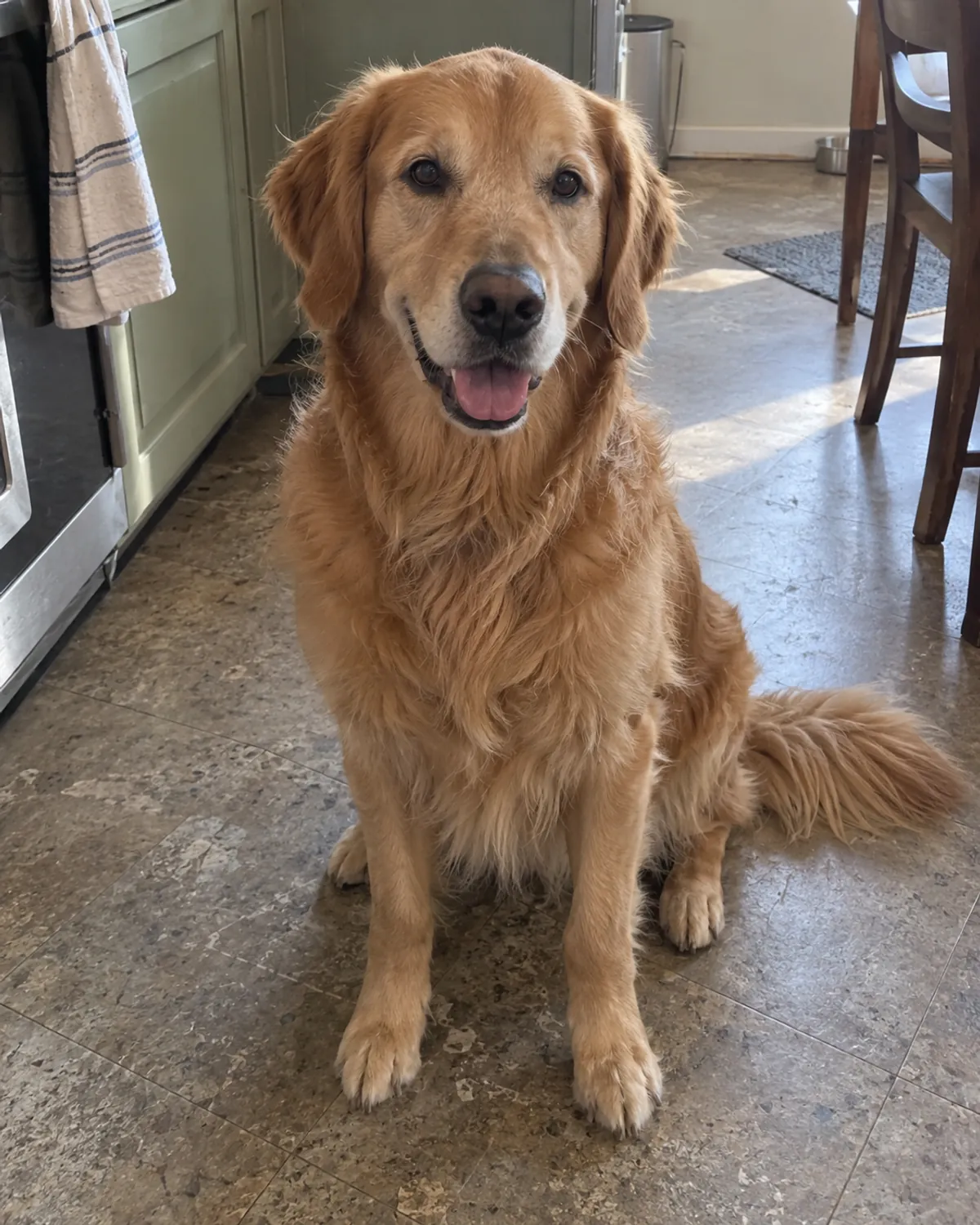
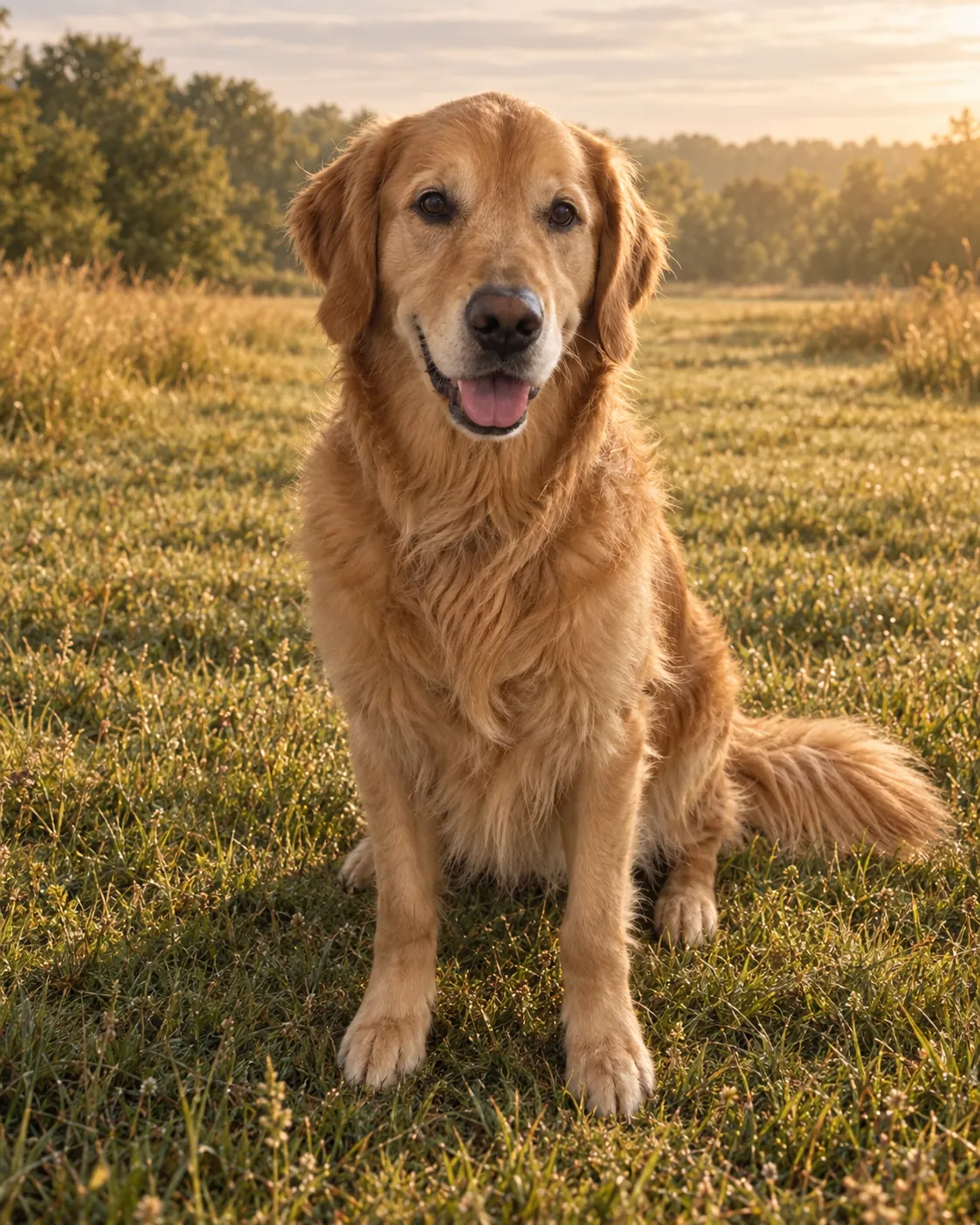
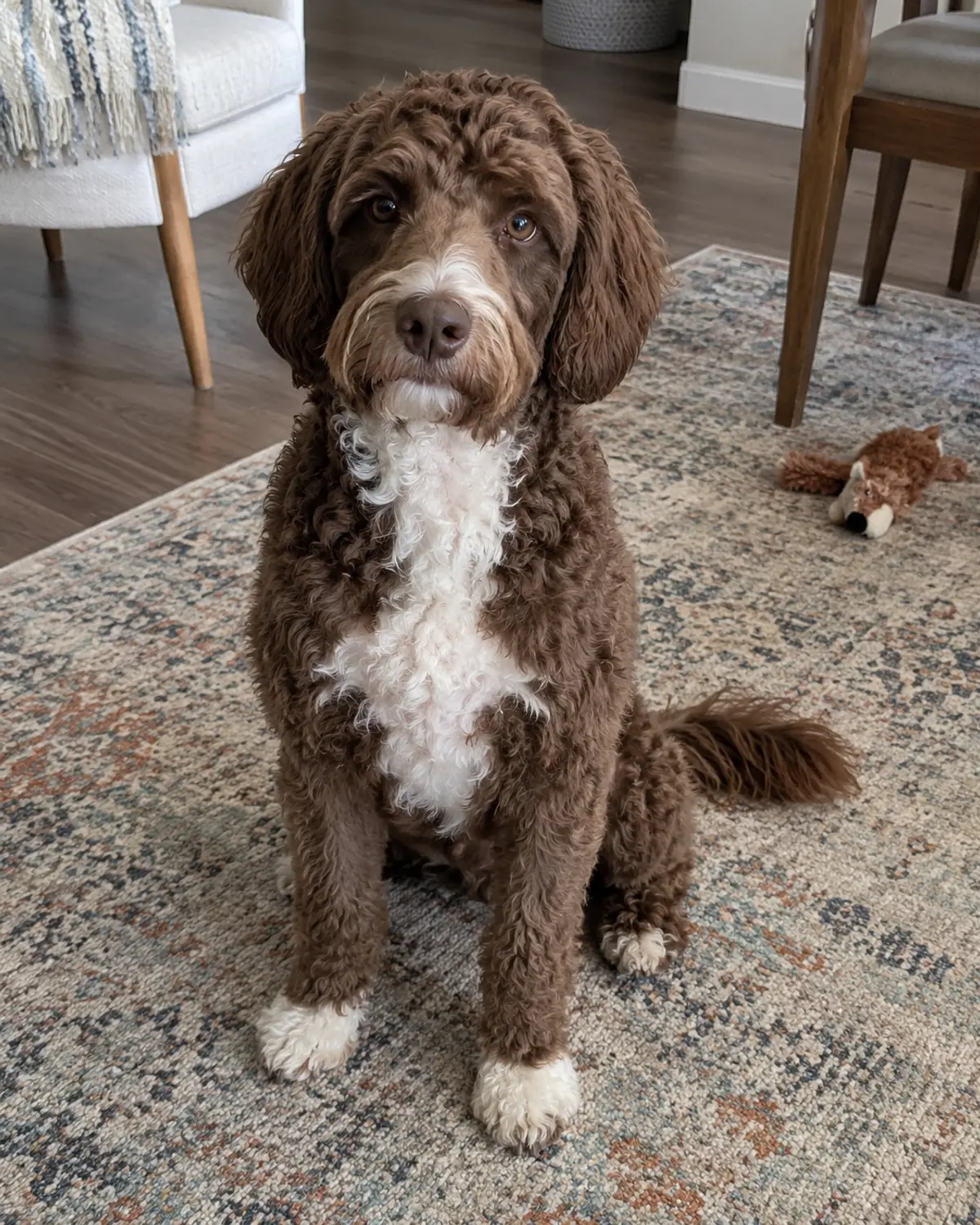
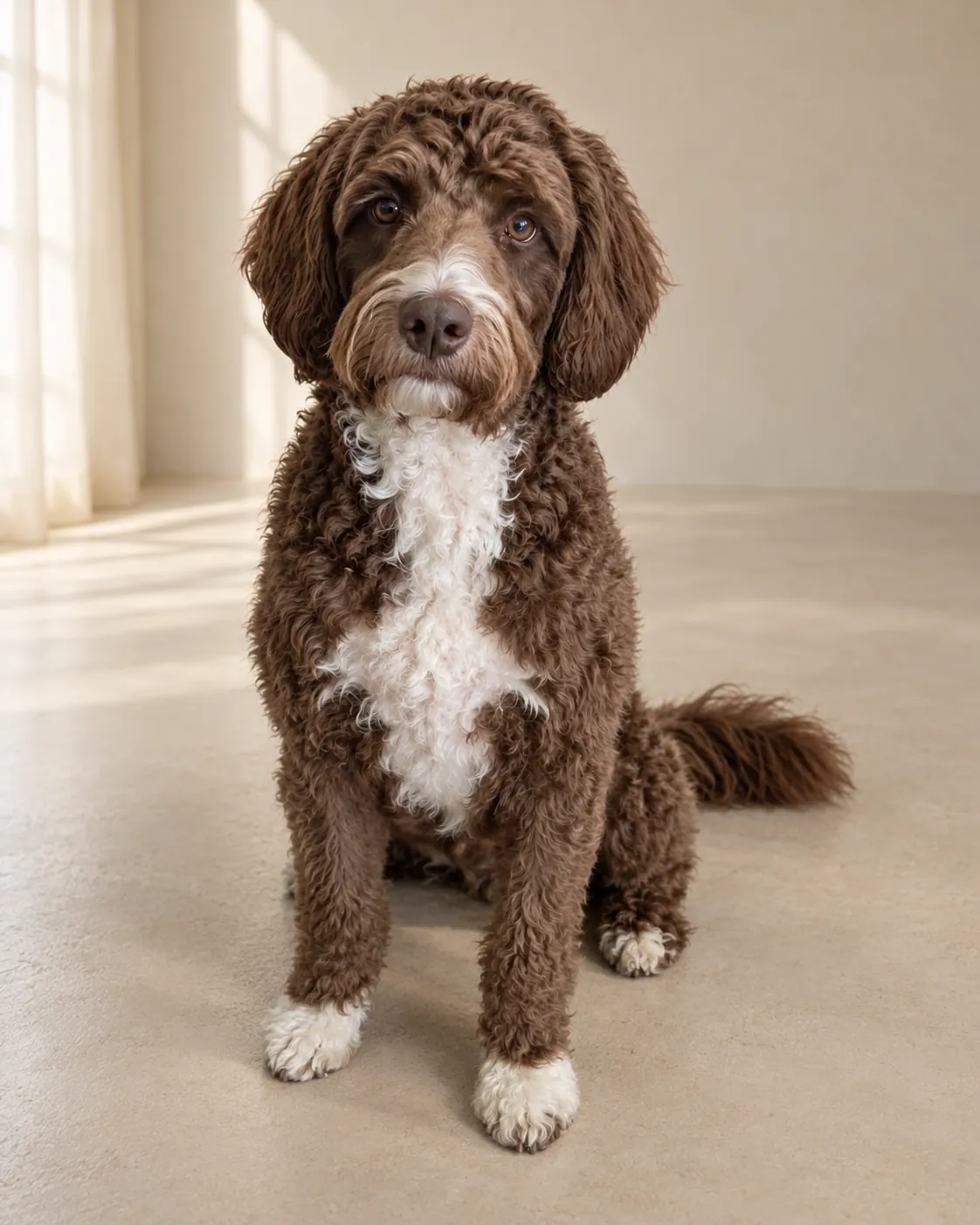
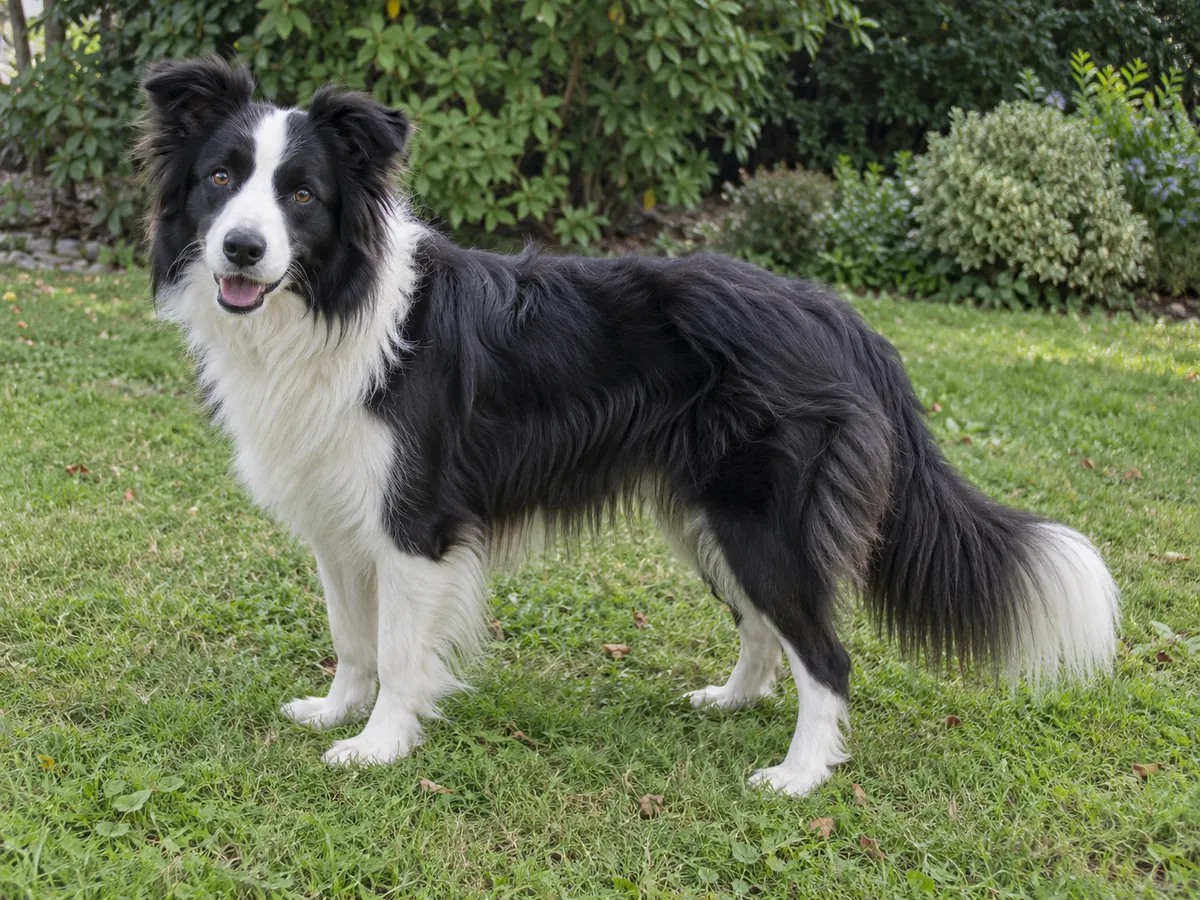
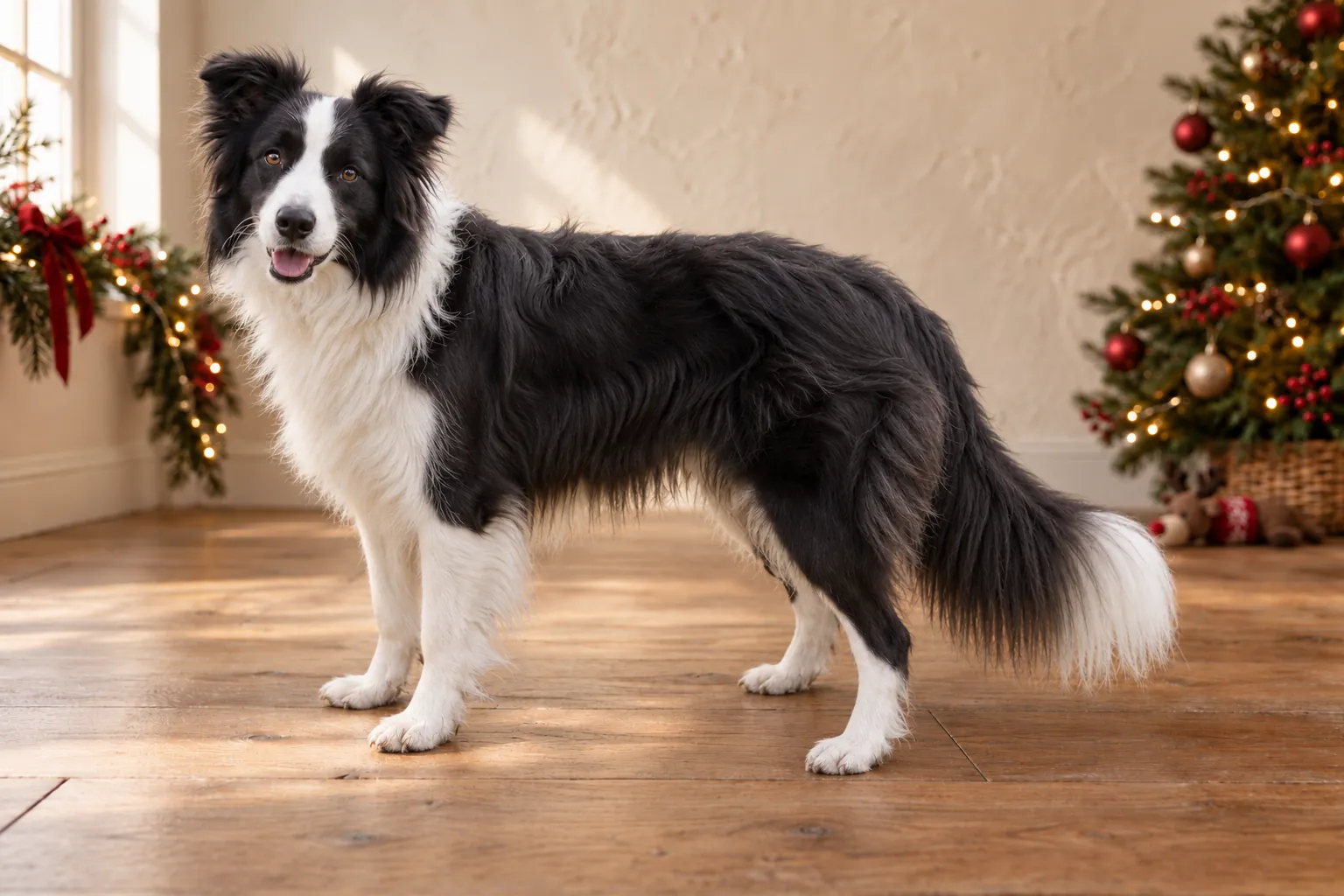
Explore warm studio, dark editorial, golden nature, cozy home, playful colour and transparent dog portrait styles.
Warm studio
The final result depends on your dog’s pose, lighting and framing.
Dark editorial
The final result depends on your dog’s pose, lighting and framing.
Golden nature
The final result depends on your dog’s pose, lighting and framing.
Cozy home
The final result depends on your dog’s pose, lighting and framing.
Playful colour
The final result depends on your dog’s pose, lighting and framing.
Transparent PNG
The final result depends on your dog’s pose, lighting and framing.
What a before-and-after comparison can tell you
Read each example as a pair. The source image shows the original pose, camera angle, light and surroundings. The finished portrait shows an actual DogPhoto pipeline result with a selected setting. Compare both before deciding whether that visual direction suits your own photograph. Demonstration dogs are labelled as sample images, and the gallery is not a collection of customer testimonials. An attractive example cannot guarantee a particular result for another dog, especially when the original has different framing, movement, coat texture or light.
Start your comparison with the face and coat
Look first at the eyes, muzzle, ear shape and distinctive markings. Then look at the overall outline and the balance between the dog and its surroundings. AI editing aims to keep the individual dog recognizable, but it may alter the pose, lighting and fine coat details. The background alone is not enough to judge a portrait. If a marking is especially important to you, use a source photograph where it is clear and inspect that part of the delivered result. Save the original alongside your download so you can compare the two later.
Compare settings, rather than assuming a setting fixes an input
Warm studio, nature, home, editorial and colour directions create different moods. A quiet background can suit a framed keepsake; a more playful look may fit a social post. The setting does not fix motion blur or supply body parts that were outside the source frame. If the original dog is very small, hidden by furniture or partly covered by a person, choose another image before comparing looks. Start with the practical photo guide when the source itself needs improvement, then return to the gallery to choose a direction.
The portrait and transparent cutout are different outputs
The finished portrait includes its new setting. A transparent PNG cutout is derived from the source image and is useful when you want to place the dog into your own card, slide or album layout. Transparency may appear as a checkerboard in an editor or as a plain background in a viewer. That display is not necessarily part of the file. Place the PNG over a coloured layer to check its outline, and keep the original PNG when exporting a design. Saving as JPEG removes transparency, so use JPEG only for a finished layout with its background included.
Use examples to plan your own output
Before starting, decide where the image will appear and what framing you prefer. A square avatar, a portrait card and a wide social post need different space around the subject. The delivered social crops give you convenient alternatives, while the full-resolution portrait is the starting point for a larger layout. Preview your design at its actual size and check the printer's file requirements if you plan to print. DogPhoto supplies digital results; print quality also depends on the chosen paper, printer, crop and size, none of which is established by a small gallery preview.
A sensible next step after browsing
Pick a source you would be happy to keep even without an edit: clear eyes, a visible outline and room around the dog. Compare it with the originals in this gallery rather than only with the most dramatic result. Review current pricing for your intended photo count, then start the photo check. For a kennel or club collection, the batch page explains how to organize several dogs and their permissions. For seasonal cards, the Christmas page covers digital files, layout and the separate printing schedule. These pages help you make a specific choice instead of promising a universal perfect result.
Pricing
- 1 photo: €1.99
- 5 photos: €9.95
- 20 photos: €39.80