Remove a dog-photo background while keeping your real dog recognizable
Before and after
These are sample dog images for demonstration purposes.
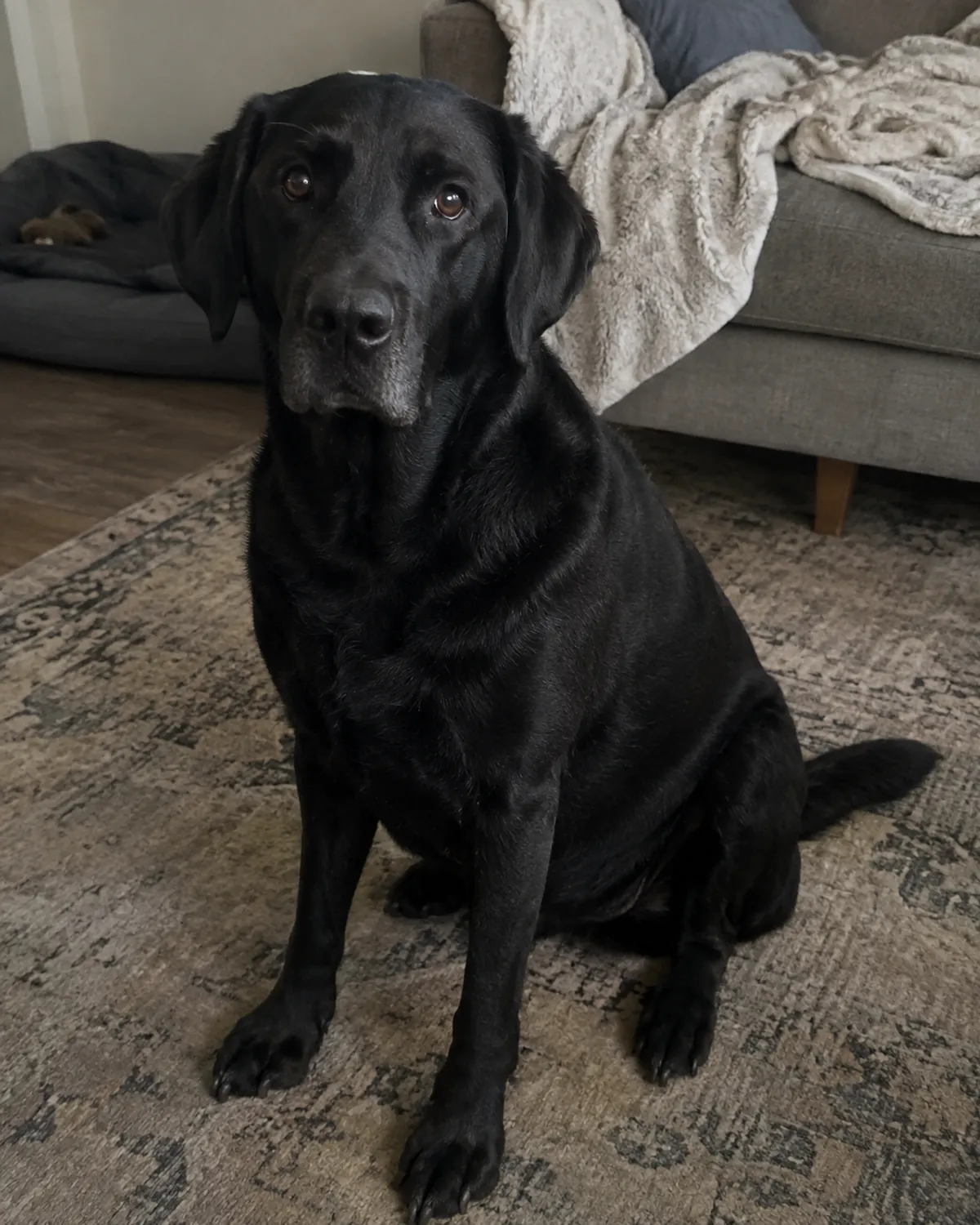
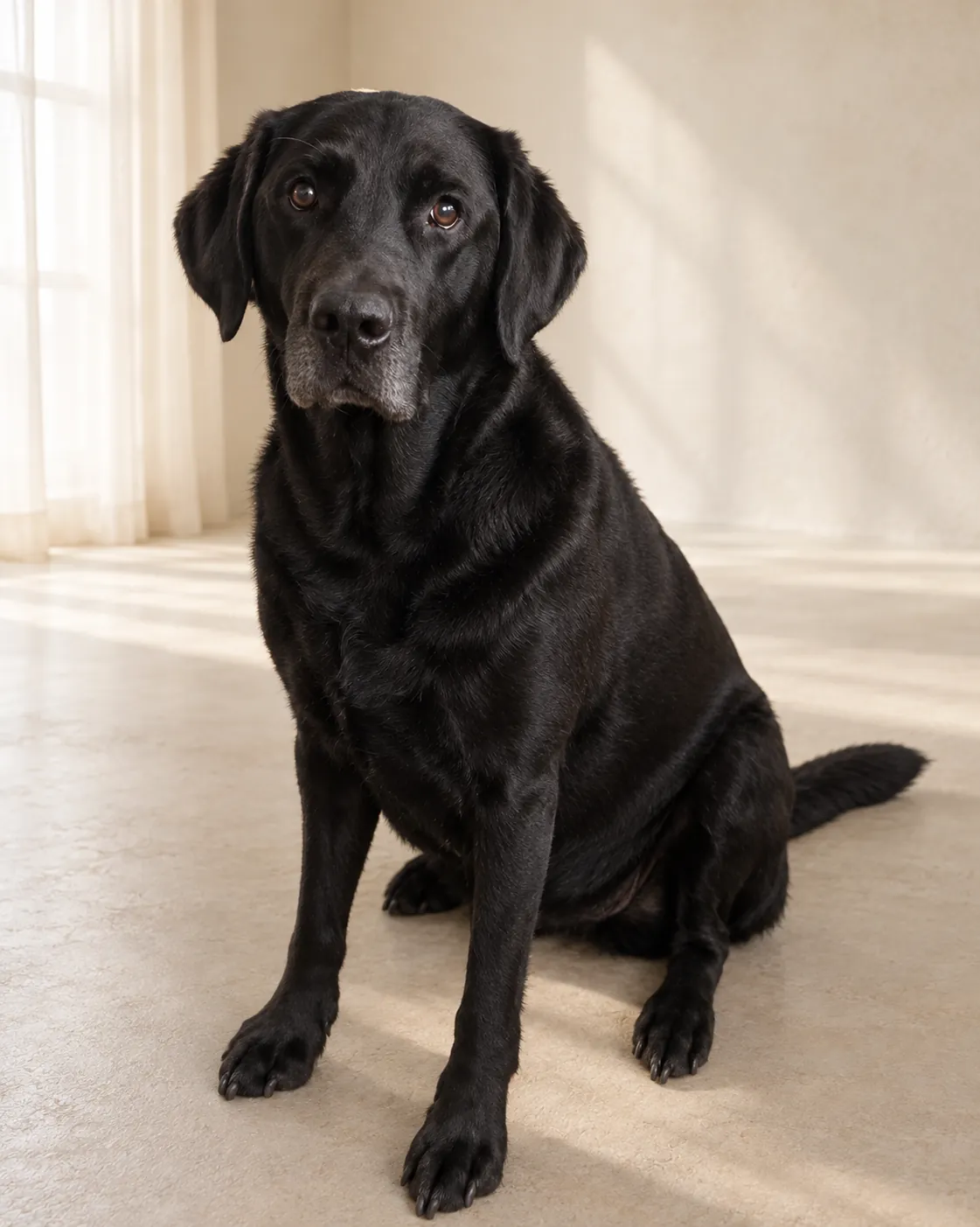
DogPhoto separates one clearly visible dog from the original surroundings and delivers a transparent PNG cutout alongside finished portraits. The visible dog comes from your source photo.
What a transparent dog cutout is
A background-removed cutout is a PNG whose transparent pixels let a new background show through when you place the file in compatible design or photo software. DogPhoto's cutout is derived from the dog in your original source photograph. It is useful for a personal card, a page layout, a digital album or another composition where you want the photographed dog separated from the original surroundings.
The cutout and the finished portrait are different files with different purposes. The cutout uses the source photograph as its basis; a portrait is an AI-edited image with a selected studio, nature, home or editorial setting. The transparent PNG is not a newly photographed dog and it is not a guarantee of a perfectly clean outline at every zoom level. Inspect fine fur, whiskers, ears and paws before placing it on a background with very different colors.
Use a supported image with one clearly visible dog
Upload a JPEG, PNG or WebP image. The source file limit is 25 MB, with a maximum decoded size of 40 megapixels and no side longer than 12,000 pixels. Animated or multi-page files are not supported. These limits apply to the image file itself; a file extension alone does not make an unsupported or damaged image usable. If the upload is rejected, check the actual format, file size and dimensions before trying again.
The photo should show one complete, recognizable dog, with visible eyes and enough room around ears, paws and tail. A person overlapping the dog, strong blur, a screenshot, a collage, a heavy filter or digital zoom can make it difficult to identify the outline. If you are preparing a batch, the account workflow accepts up to 20 JPEG, PNG or WebP photos at a time, with one dog clearly visible in each image. Each image still needs to meet the source limits.
Give the outline useful detail before you upload
A clear source makes it easier to distinguish the dog from nearby objects. Leave open space around the body and avoid cropping the tail, paws or ears tightly against the frame. Soft, even light and visible coat texture help you inspect the edge after delivery. A plain wall is not required, but a busy background that shares the dog's colors can make the boundary harder to judge in the final cutout.
Look closely at the image before selecting it. A dog partly behind a chair, another animal, a leash or a person's hand may have missing or ambiguous edges. The processing step cannot reveal fur that the camera never captured. If you have several source photos, choose the one with the clearest outline rather than relying only on resolution or file size. The preliminary photo checks offer guidance; they do not promise a particular mask or preserve every fine strand.
Place the PNG in a layout that supports transparency
PNG transparency is useful in software that respects the alpha channel, the per-pixel information describing which areas are visible. When you place the cutout over a colored shape or a different photo, the transparent area shows that layer underneath. If an app displays a checkerboard while editing, that usually indicates transparency in the workspace; export or save using a format and settings that keep it when transparency is needed.
A transparent cutout is a source-derived photographic asset, not a vector drawing. It retains photographic detail from the uploaded image and can show the lighting and color of the original scene around the edge. A dark outline may look different on a pale background, and a light outline may stand out on a dark one. Preview the actual composition before sharing, and use an editor's edge or feather controls only if you understand how they change the pixels.
Understand the paid order and its other files
The transparent PNG is delivered with a successful paid portrait order, alongside a full-resolution portrait, social-media crops and an album ZIP. It is not presented as an unrestricted free background-removal workspace. The portrait is the AI-edited result; the cutout is derived separately from the source photo. Review the order summary to see the current files and exact total before confirming payment, because pricing is supplied at runtime and can depend on the choices shown there.
Up to two guided refinements can be requested for each successfully processed photo. They are intended for changes to the portrait, not arbitrary pixel-level retouching of the source-derived cutout. Download the individual files or album archive and check the version you plan to use. If your main goal is a composited portrait, compare the selected-setting portrait with the transparent cutout and decide which one fits the intended page, card or digital post.
Keep a copy and check the result at its intended size
The result is a digital download. Open the PNG in the app where you plan to use it and confirm that the background remains transparent after placement or export. A file preview may show a solid color even when the PNG includes transparency, so check the file in a layer-based editor or place it over a contrasting shape. Zoom in around ears, whiskers, paws and the tail, then zoom out to judge whether the overall cutout looks right in context.
Private availability depends on the type of order and account. The standard private order page gives a limited download period shown in checkout, while signed-in account orders can keep finished photos in the library under the account's retention terms. Keep a separate copy of important downloads and the original source photo if you may need them later. The original upload has shorter processing retention; a saved output does not replace keeping the source yourself.
Pricing
- 1 photo: €1.99
- 5 photos: €9.95
- 20 photos: €39.80