For kennels, breeders, and associations
Before and after
These are sample dog images for demonstration purposes.
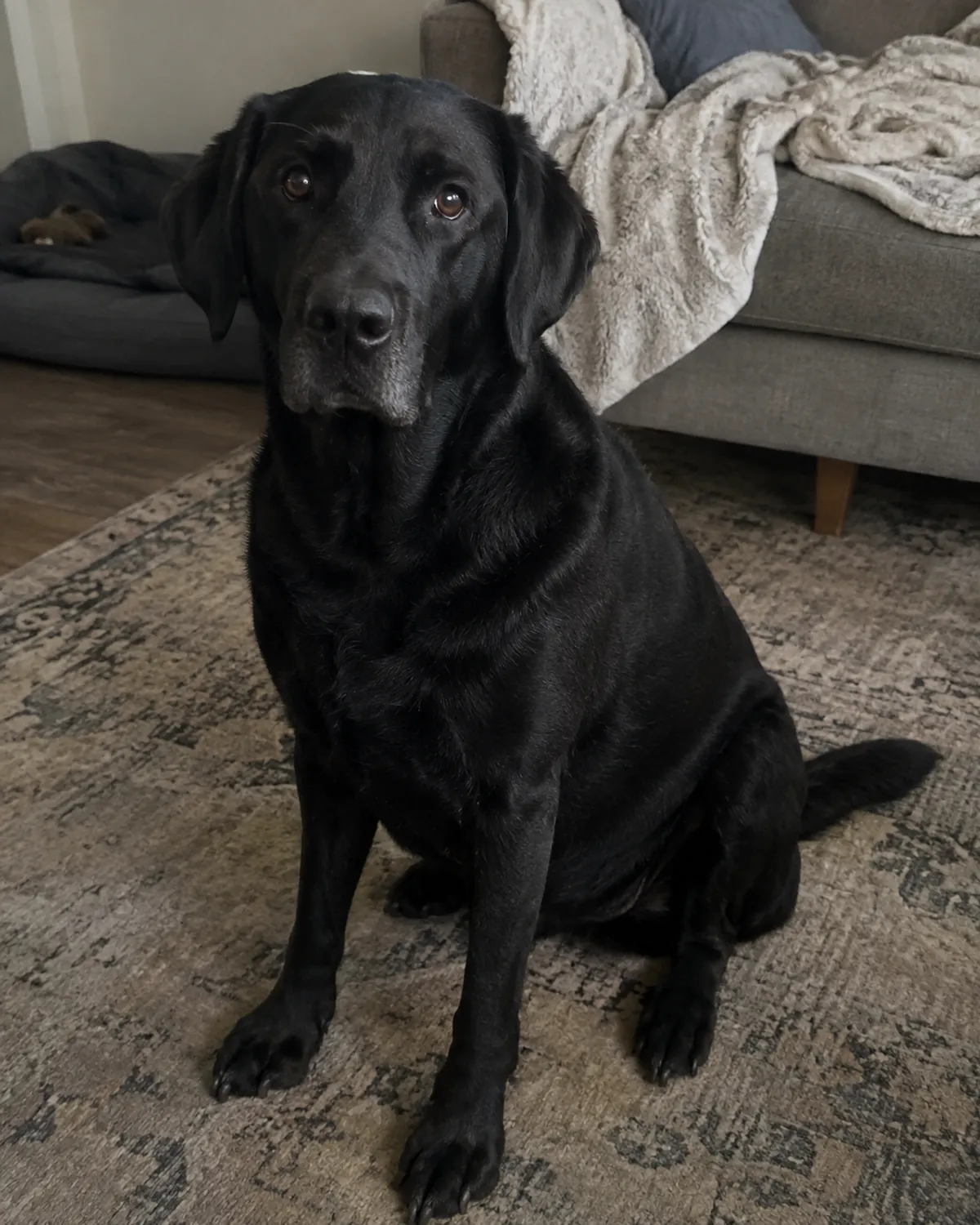
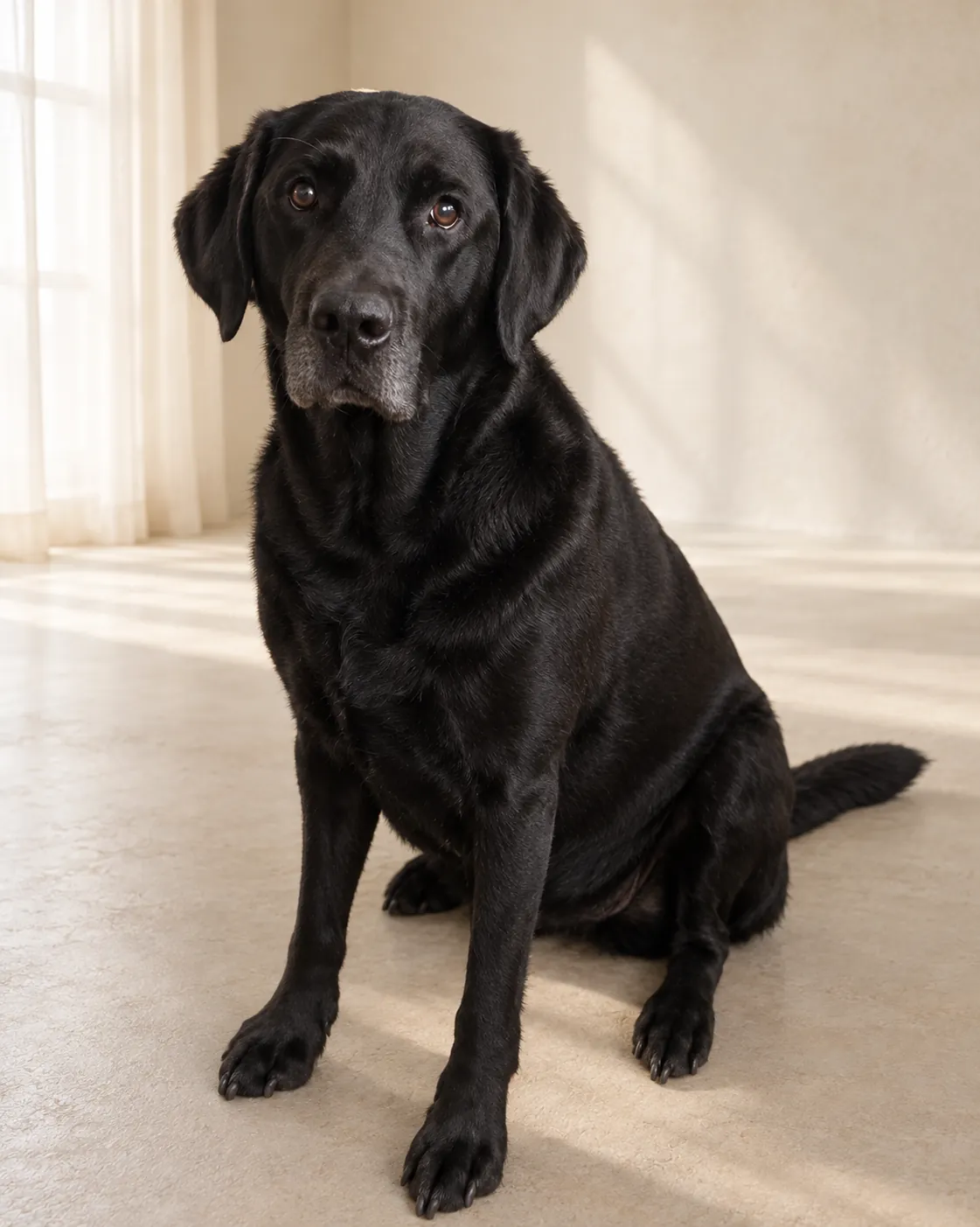
Prepare litters, breed profiles, event portraits and member images in named batches. Your completed albums remain private and ready to download again.
New batch
Upload up to 20 photos per batch. Name an album for a dog, litter or event and use your photo balance across batches.
One finished result per photo. AI can alter fine details; review every portrait before using it.
Photo library
Finished photos from signed-in orders are saved privately for 12 months. Keep orders and receipts here and download your photos again.
Original uploads keep their shorter processing retention. Save originals yourself if you want to edit again later.
VAT included. No start fee. No subscription. Packs are valid for 12 months.
Organize portraits around the way your kennel works
An account library gives kennels, breeders and associations a place to organize portrait work by dog, litter or event. Named albums can help separate a litter's photos from breed-profile images, a club gathering or member portraits. This is useful when several groups are being prepared over time and you want to find the finished files without treating every upload as one large mixed set.
The library workflow is self-service: choose the photos, give the album a useful name and review the output when processing is finished. It does not book a photographer or coordinate owners and handlers for you. You can prepare each dog's source image on your own schedule, then download the resulting files for the kennel's digital materials. Think about album names and access before you begin so the files make sense to the people who maintain them later.
Prepare a batch of up to 20 photos
An account batch accepts between one and 20 JPEG, PNG or WebP photos. Use one clearly visible dog in each image and check that the picture is sharp enough to recognize the dog. Space around ears, paws and tail, visible eyes and soft, even light make a practical starting point. Avoid severe blur, screenshots, collages, strong filters, digital zoom and people overlapping the dog.
The batch limit describes the number of selected photos in one batch, not the number of portraits made from a single photo. A successfully processed photo produces one finished portrait. If you have more than 20 dogs to prepare, group the work into separate named batches and keep a simple record of which dogs belong in each one. The workflow is designed for photo-by-photo processing; it does not combine several dogs into a single generated group portrait.
Check the current quote and what a photo credit covers
Before starting a paid account batch, review the billing country and the quote shown for the photos you selected. The library can use an available photo balance or show the current amount for payment. Prices and pack choices are loaded from the service configuration at runtime, so use the amount displayed in your account rather than an older note, a remembered figure or a quote prepared for another country.
A photo credit is applied to a selected photo for account-batch processing; the workflow creates one finished portrait for each selected photo. The order screen shows the balance and asks you to confirm the applicable payment or credit reservation before processing begins. A credit does not mean that every possible output or later order is free. Check the current account terms, expiry information and batch summary before you reserve credits, especially when preparing multiple litters or event groups.
Get permission for every image you submit
Upload only photographs that you have the right to use and process. A kennel may hold one image while the dog's owner or handler holds another, so check permission before including a member's dog or a puppy in a batch. If the portrait will appear on a website, brochure or social account, discuss that separate publication with the owner as well. Permission to process a photo does not automatically make it suitable to publish publicly.
Account portraits are private in the library by default. Keep access within the people who need to prepare and download the files, and share the final images through channels the relevant owners have agreed to. DogPhoto does not verify who owns each dog or whether a user has permission; the person placing the order is responsible for having the necessary rights. This simple check matters when work involves members, buyers, partner organizations or images supplied by someone else.
Review each portrait before it represents a dog
The account workflow sends the original photo and approved setting for processing and aims to prioritize the dog's identity, markings, anatomy and pose. It cannot guarantee identical fine details or verify identity. AI editing can alter features, so inspect every result before using it in a breed profile, litter announcement or member page. Check the face, coat markings, body shape and pose against the source photograph.
Up to two guided refinements are available for each successfully processed photo. Use them to describe a focused correction when the result has changed something important. They are not unlimited revisions and do not guarantee a specific final detail. If an image still does not suit its purpose, keep the source and other completed files separate and choose whether to use another suitable photo. Do not publish an image simply because it completed processing; the kennel remains responsible for reviewing what it shares.
Download the files and plan for their retention
Finished photos from signed-in orders are saved privately in the account library for 12 months, alongside order history and receipts. The library lets you download the saved result again during that period. The original upload is kept for a shorter processing period, so save the original photograph yourself if you may need it for another order, a separate edit or your records.
Download important portraits and keep a backup in the kennel's own storage. A library's retention period is not a substitute for an archive under your control. The account interface shows expiry information, and it offers an extension before an album expires. Deleting a saved album removes its account copies. Make sure the person responsible for the kennel's photo archive knows where the downloads are kept and when the library copy is due to expire.
Use the files in your kennel's digital materials
Each finished photo includes a full-resolution portrait, a source-derived transparent PNG, social-media crops and an album ZIP. The portrait is the selected-setting image, while the PNG cutout can be placed over another background in software that supports transparency. Social crops are ready-made formats for common sharing layouts. The deliverables are digital; the service does not print kennel cards, certificates or posters.
A consistent named-batch routine can make seasonal work easier: keep source photos together, use labels your team understands, review portraits before publication and download a copy for the organization's archive. The result may change lighting, background and fine details, so treat it as an edited portrait rather than a documentary record of every visible feature. For official records or contexts that require an unaltered photograph, use the original source image and explain the difference to anyone who receives the portrait.
Pricing
- 1 photo: €1.99
- 5 photos: €9.95
- 20 photos: €39.80